A snapshot of where Project Nova stands today. Six views: the AI-DLC methodology the team operationalized to drive it all, built-and-deployed inventory, test surface, CLI surface, the tools and services that support the work, and overall codebase footprint.
A custom AI-Driven Development Lifecycle tailored to CCT's WinForms-to-SPA migration. Intent-driven, plan-first, user-story-led, AI-drafted and human-validated. One method, every migration.
Skills are reusable Claude Code slash commands that package each workflow step as a self-contained procedure — prompt, inputs, expected artifacts, and gate behavior. Encoding the method as skills means any teammate (or agent) can run a migration step with one command and produce the same artifacts in the same place every time.
Every intent passes through the same gates, produces the same artifacts, and is reviewed by the same roles.
Construction's domain, ADRs, design, and tests run concurrently. Bolts run sequentially with explicit dependency tracking.
AI drafts every artifact; humans approve at two explicit gates — End-of-Inception and End-of-design.
One method, every migration. No per-tool bespoke planning, no rediscovery of the workflow each time.
What we've built and deployed so far. Tabs below switch between the five categories.
Full-stack tools with their own API and SPA module. Operators use these to drive day-of business.
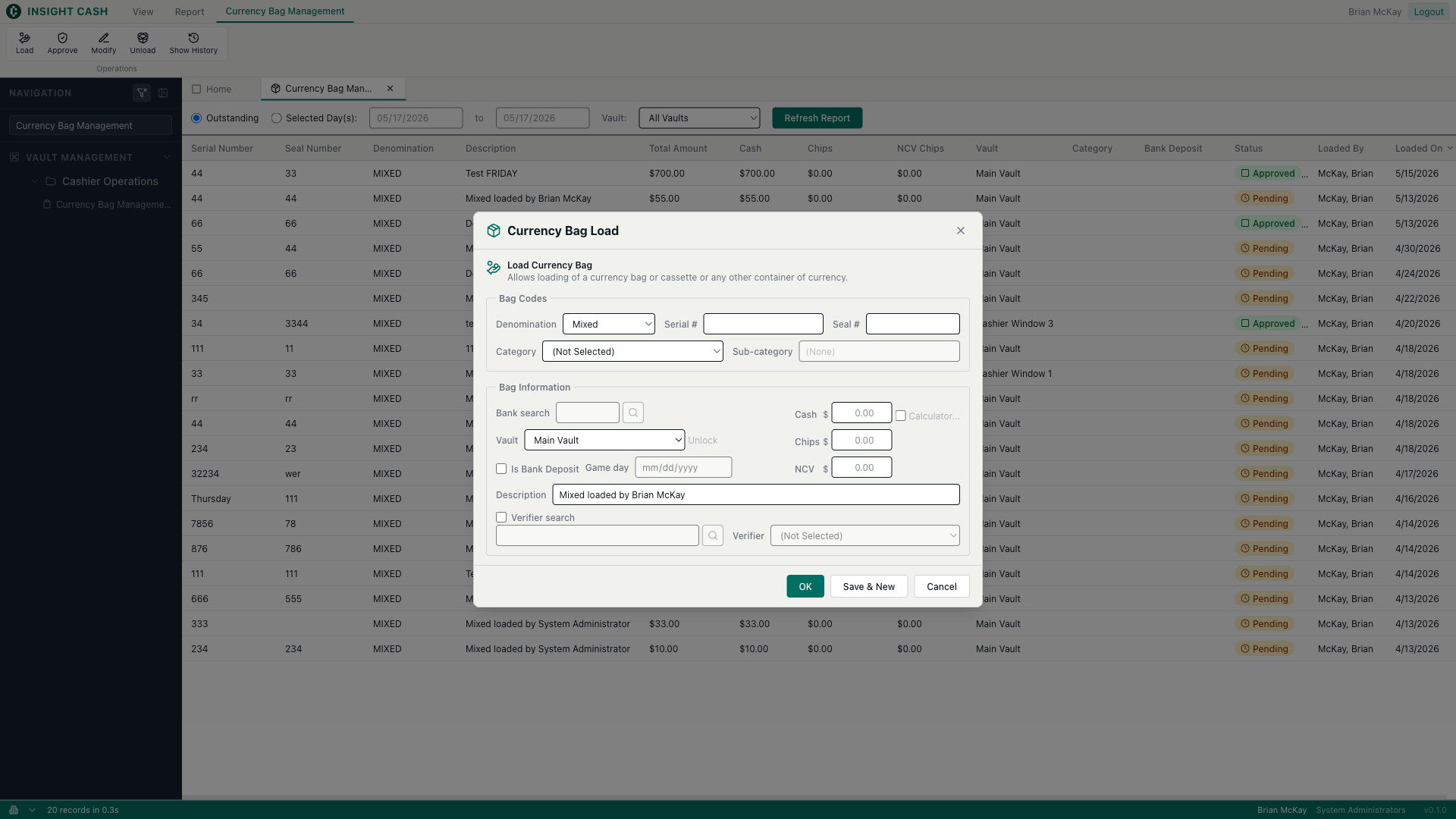
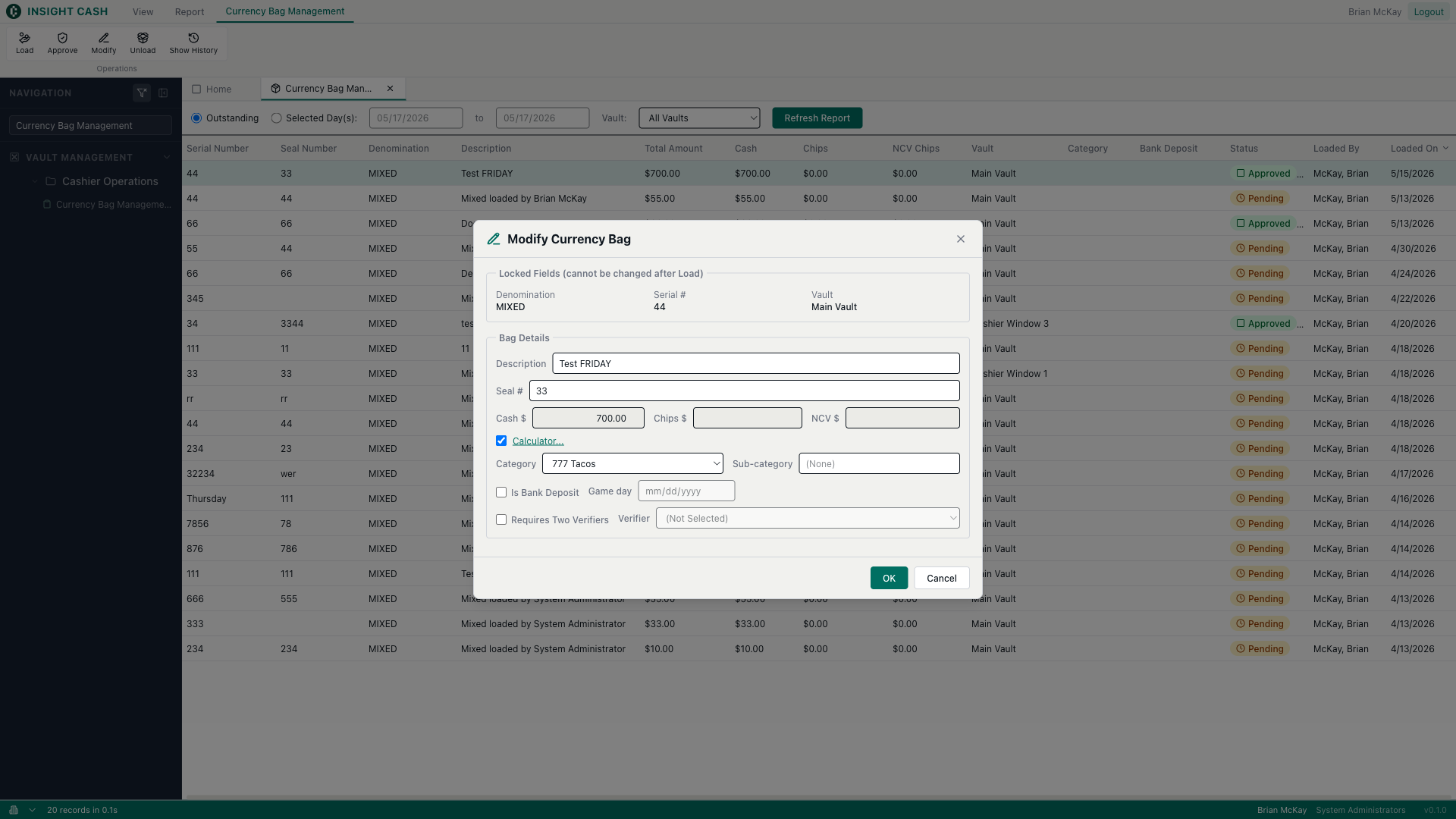
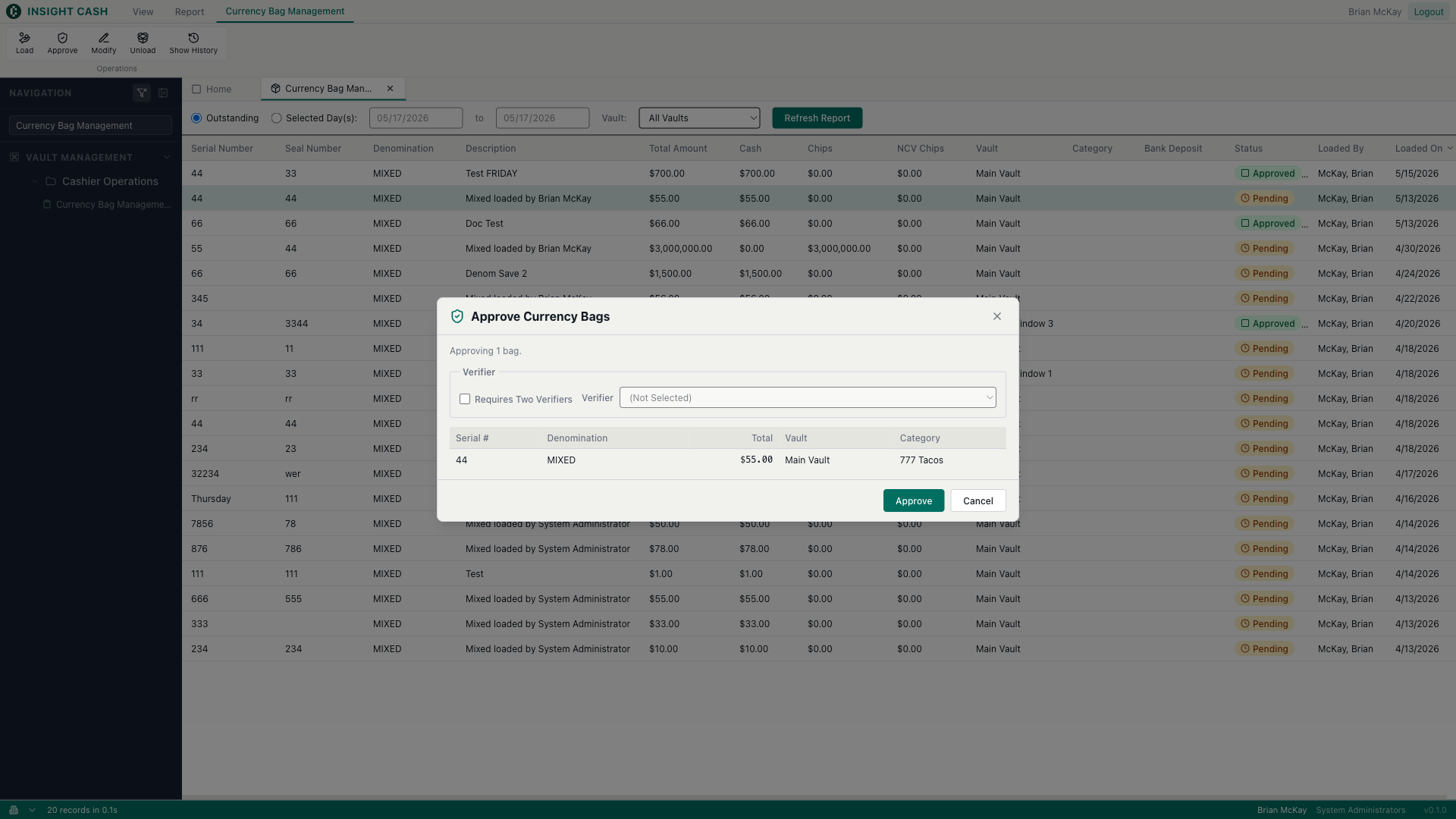
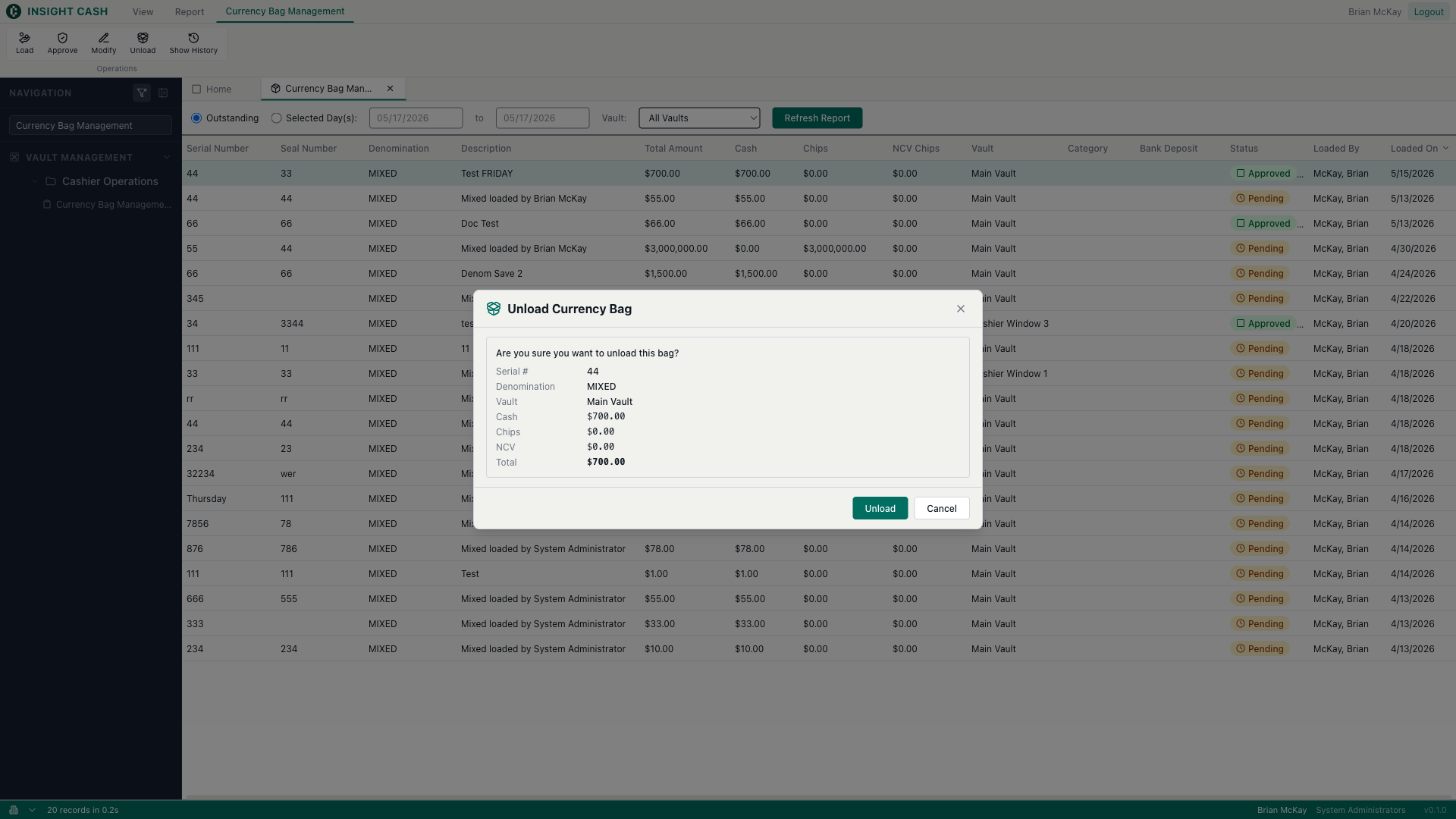
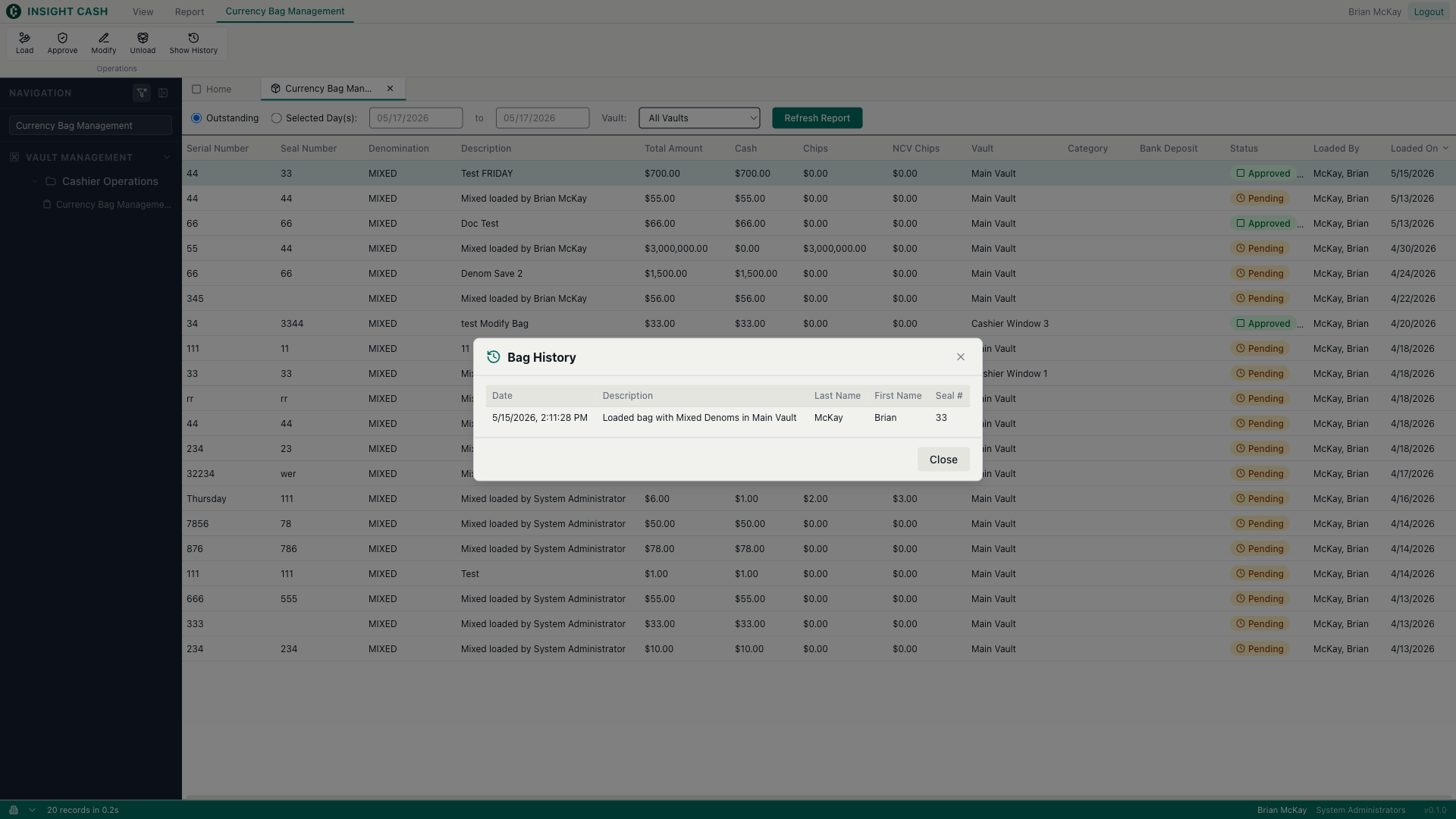
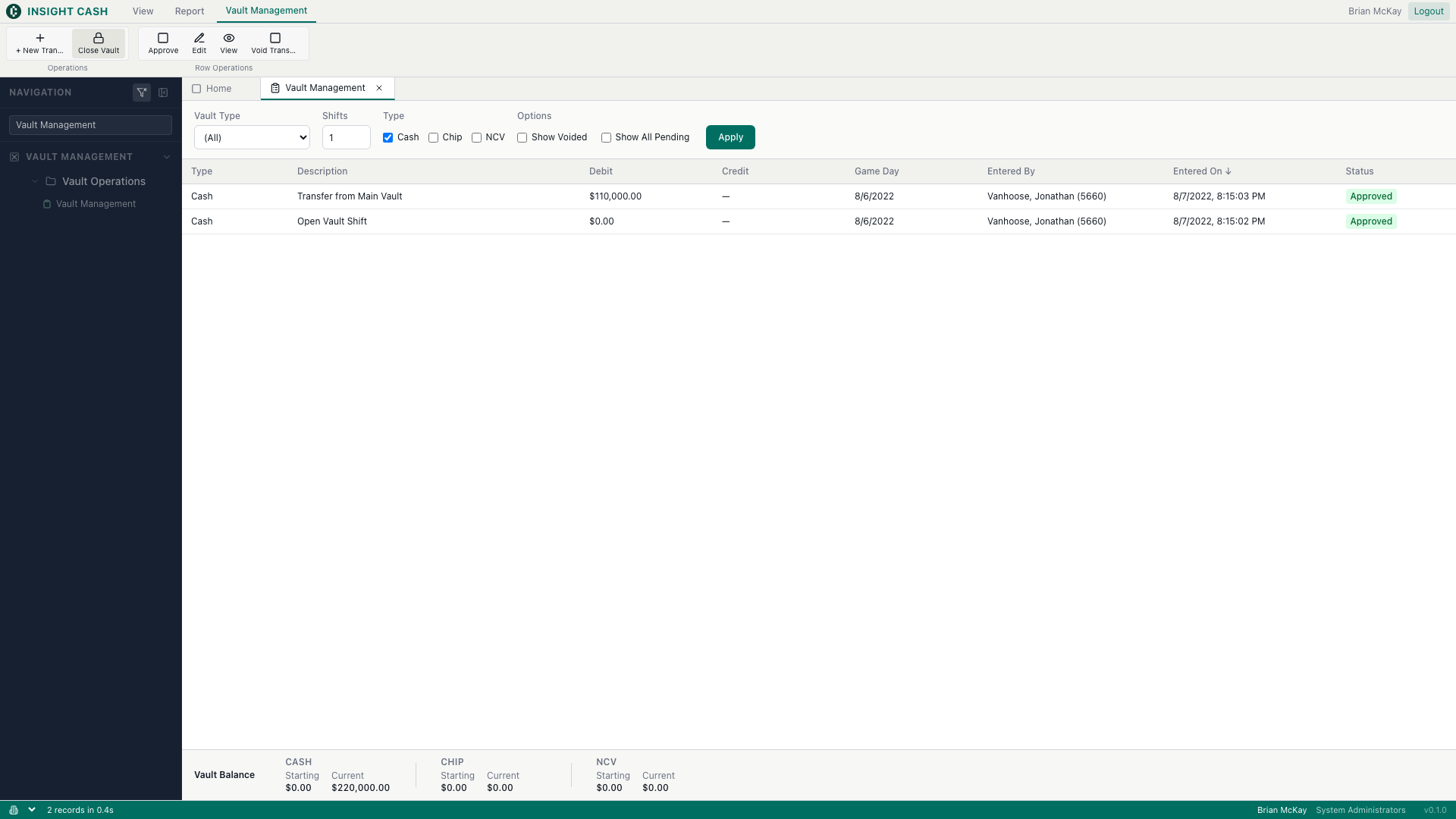
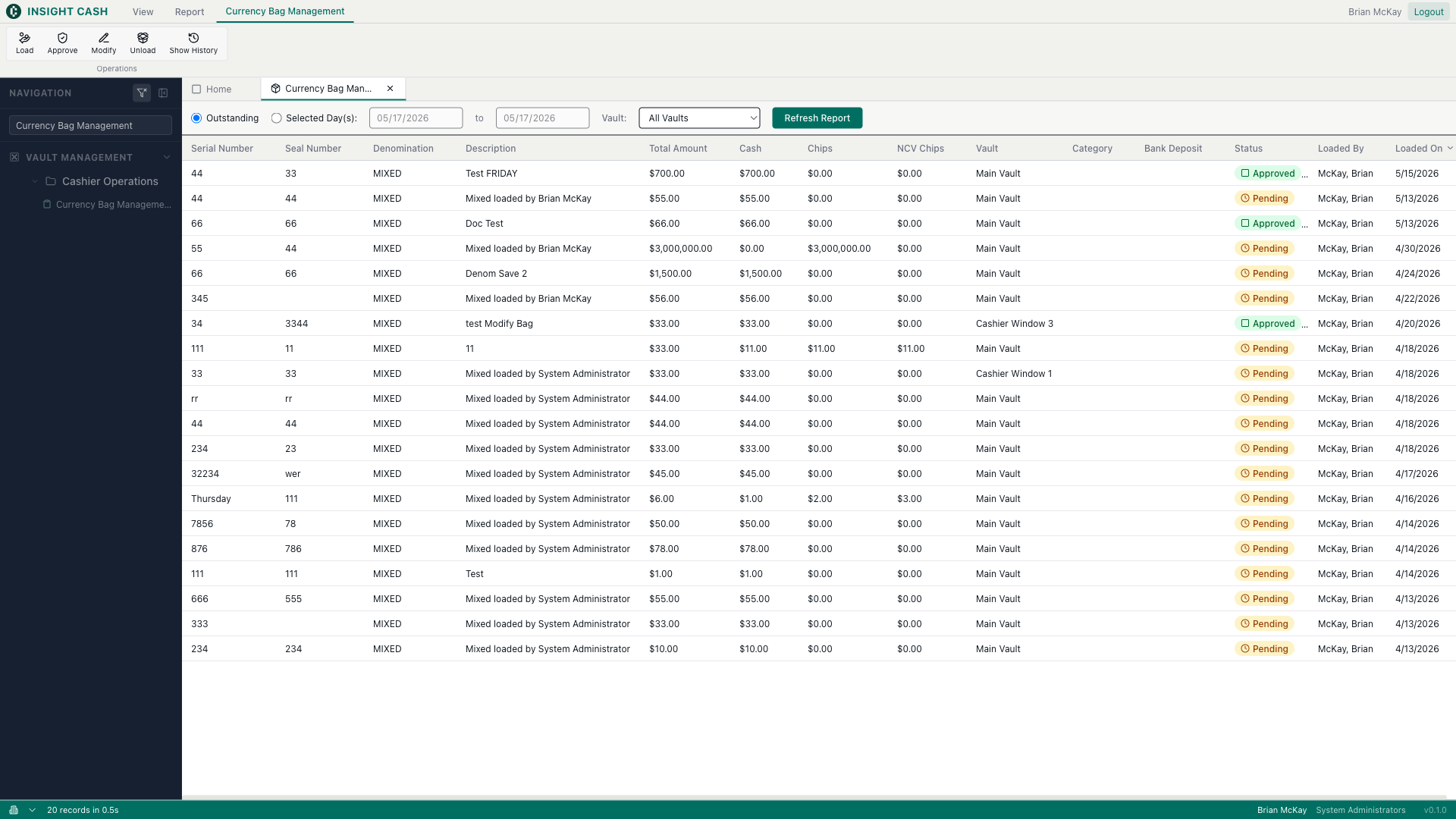
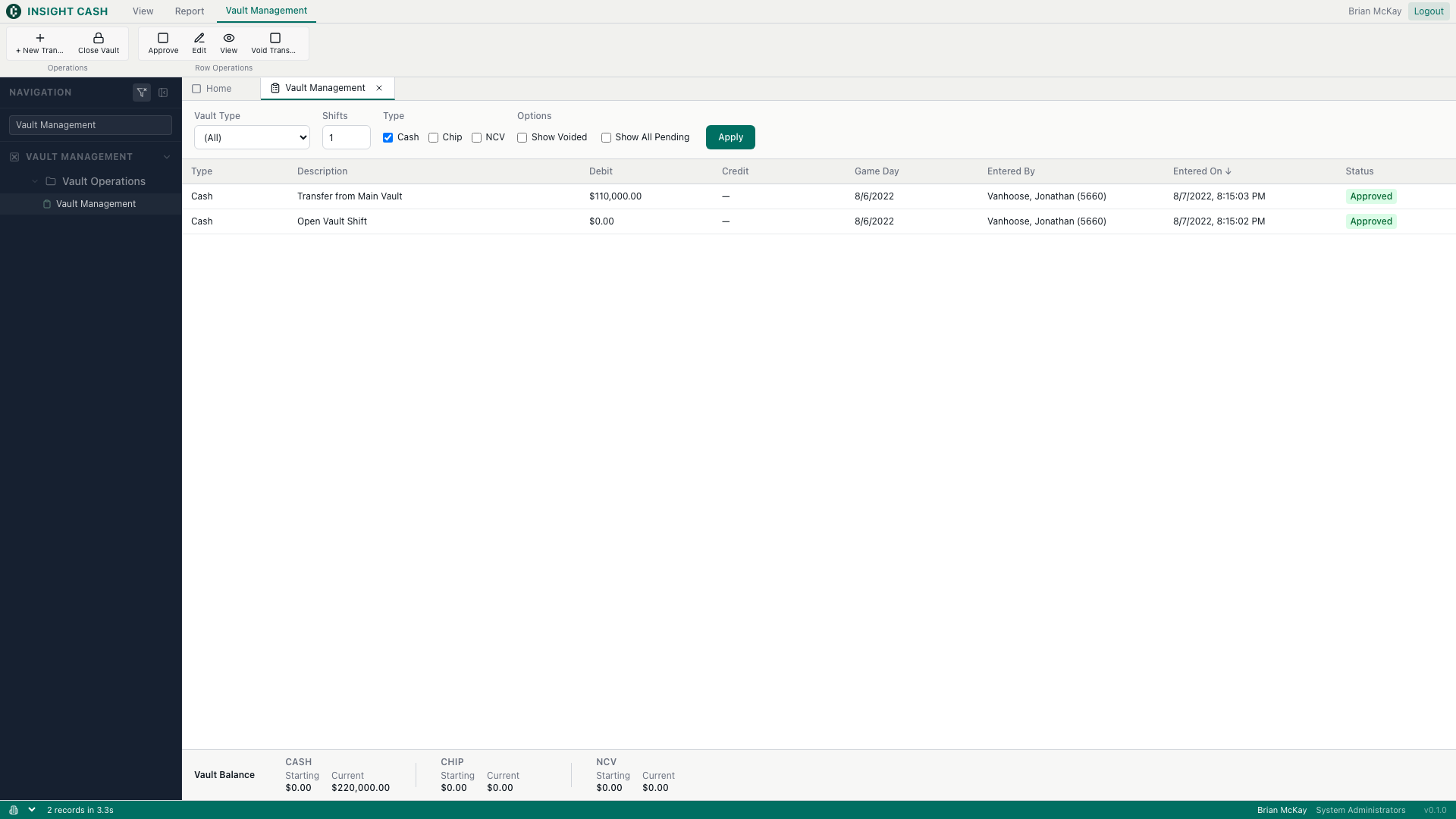
Vault Management → Cashier Operations. Load / Modify / Approve / Unload lifecycle.
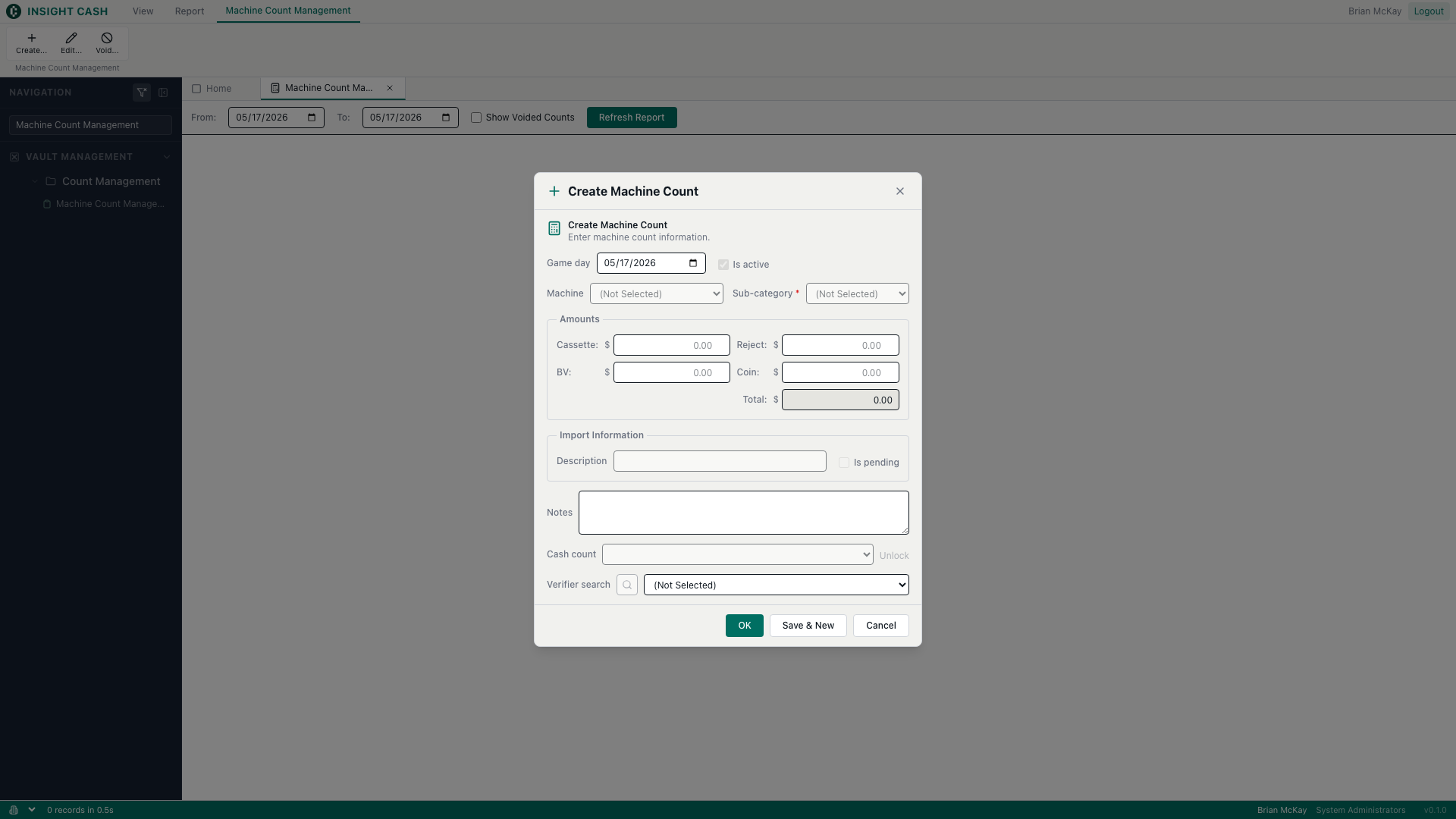
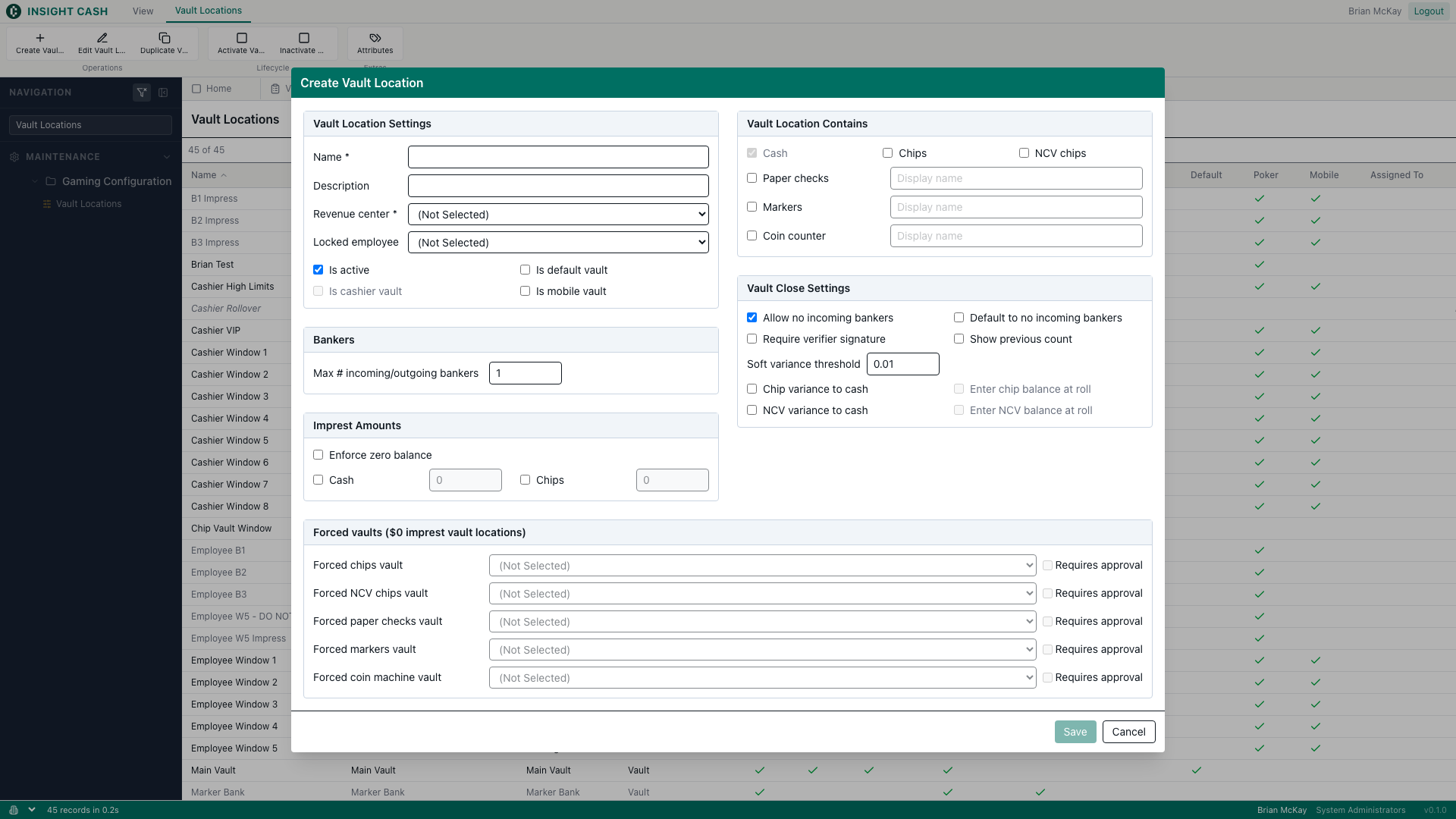
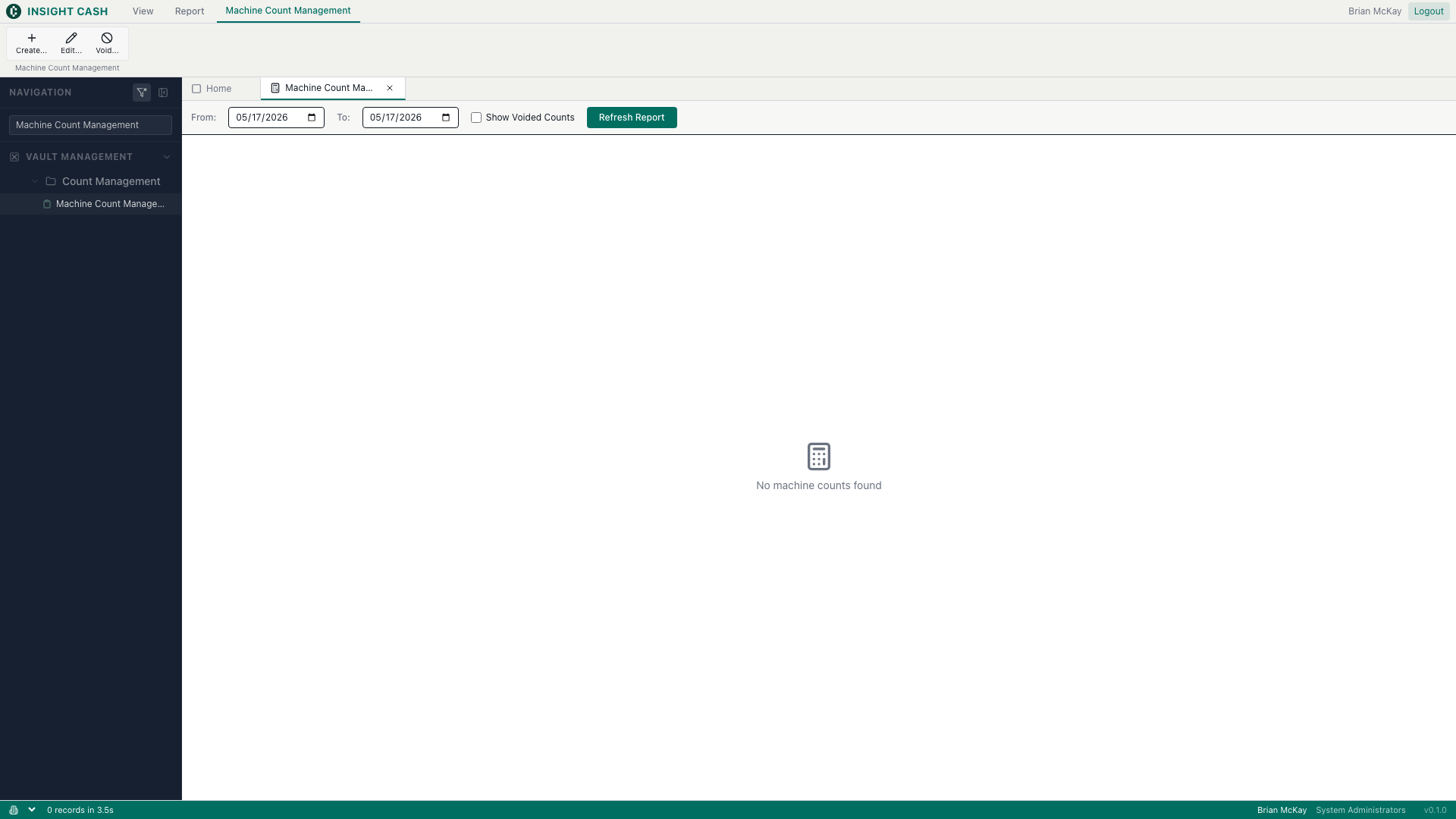
Vault Management → Count Management. Slot-machine count Create / Edit / Void.
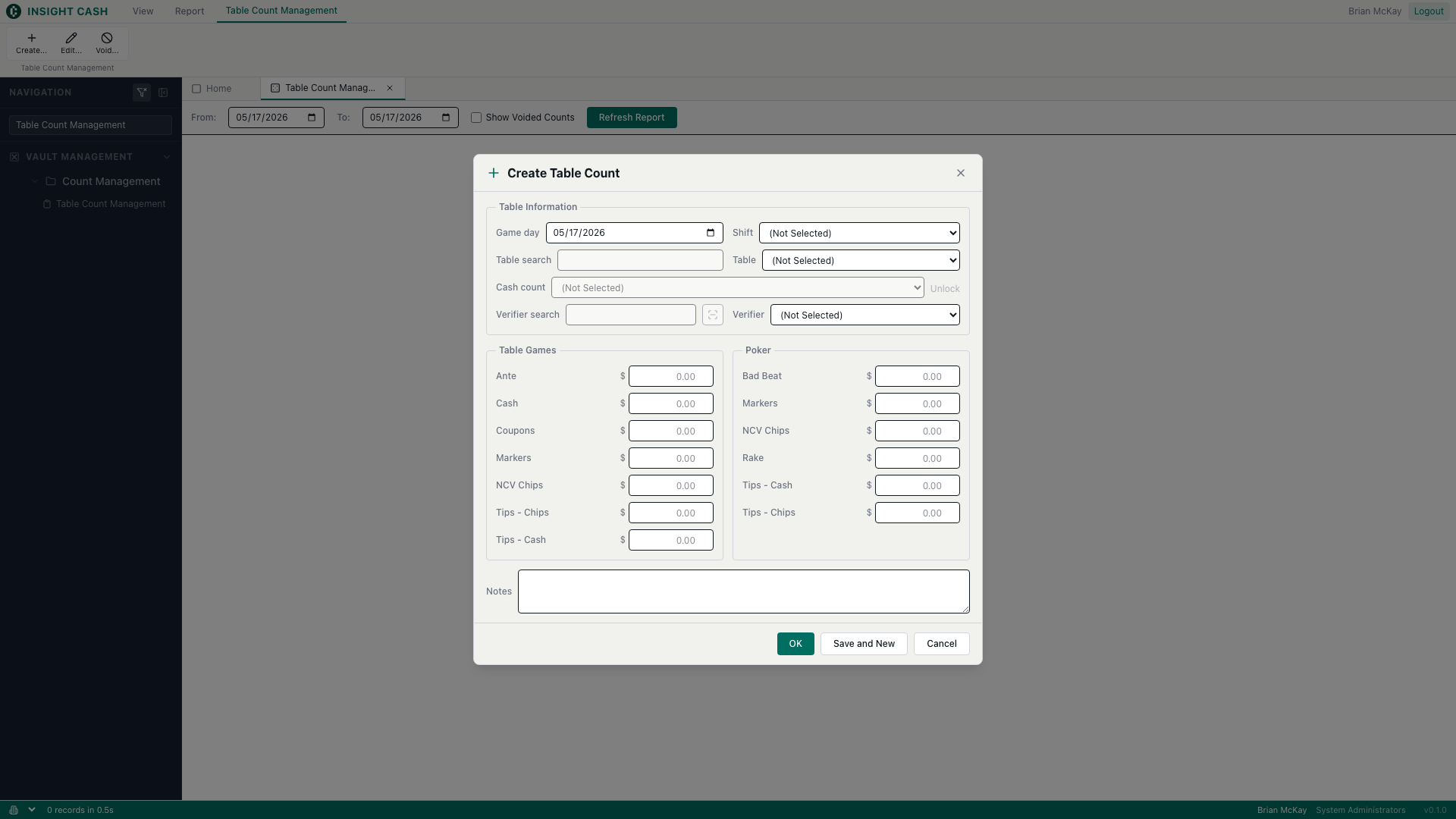
Vault Management → Count Management. Table-game count Create / Edit / Void.
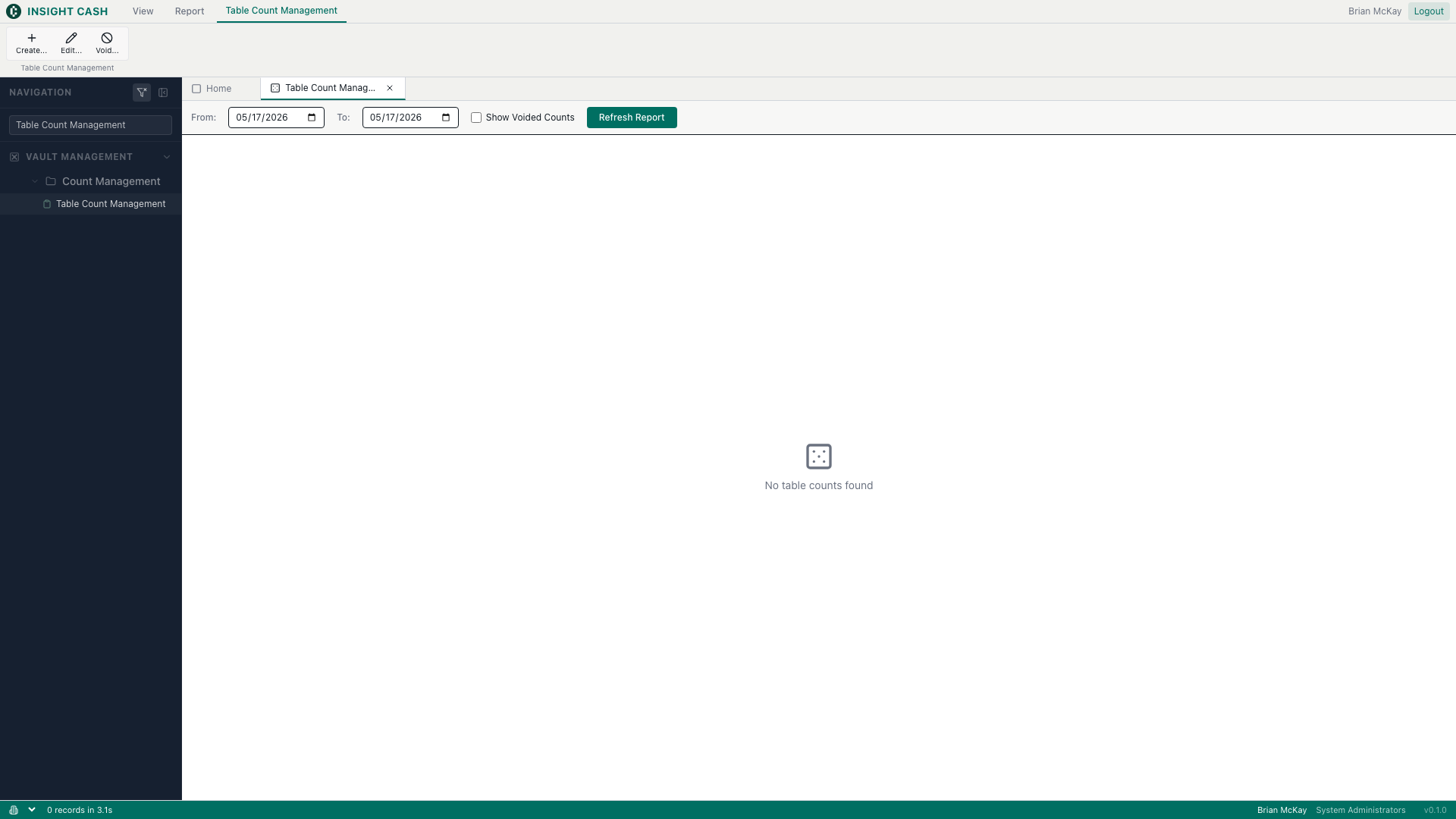
Dashboard landing page.
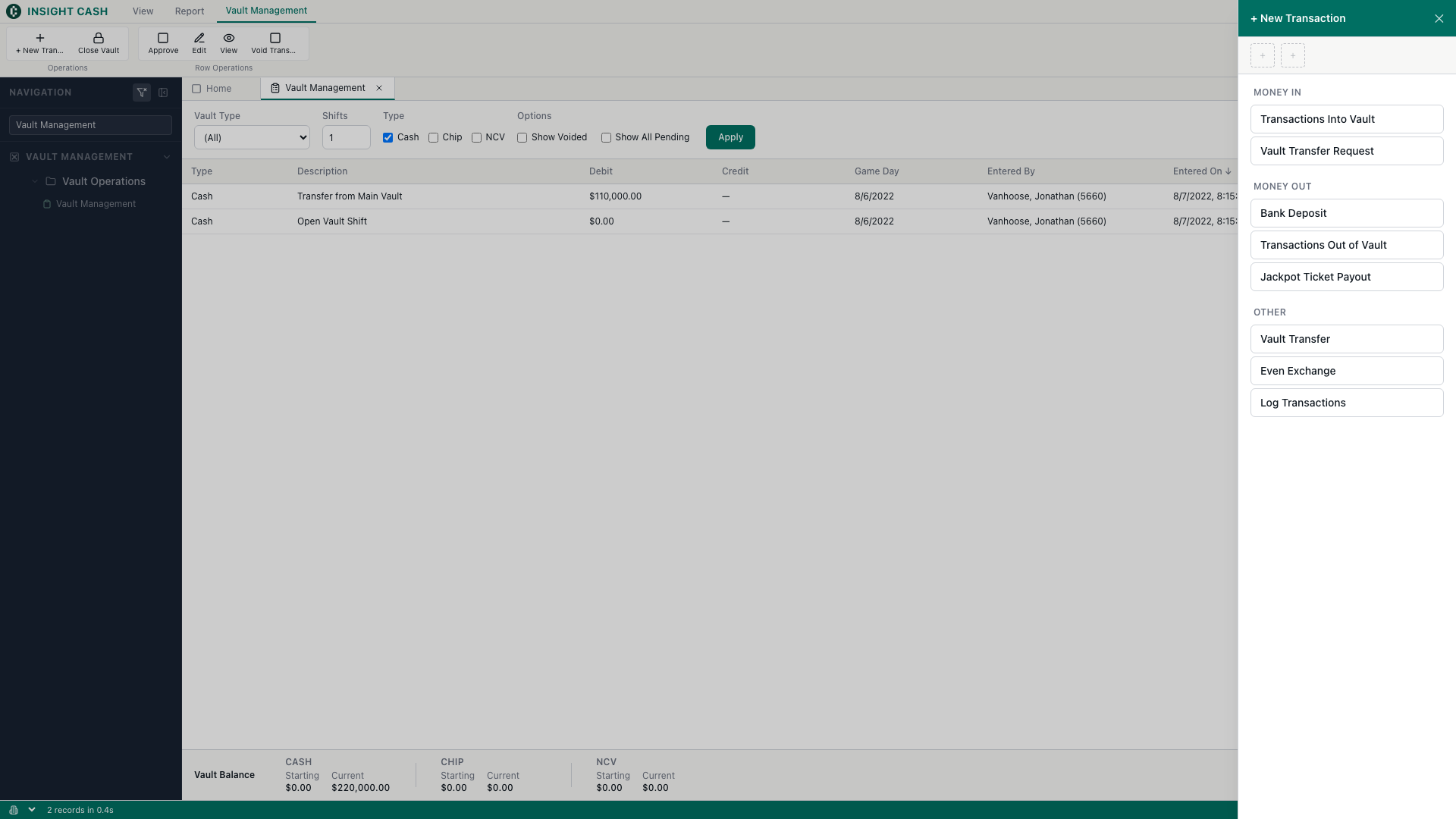
Vault Management → Vault Operations. Shell shipped; command intents still pending.
Configuration and master-data editors. Same architecture as interactive tools, but the workload is admin-side CRUD rather than daily floor operations.
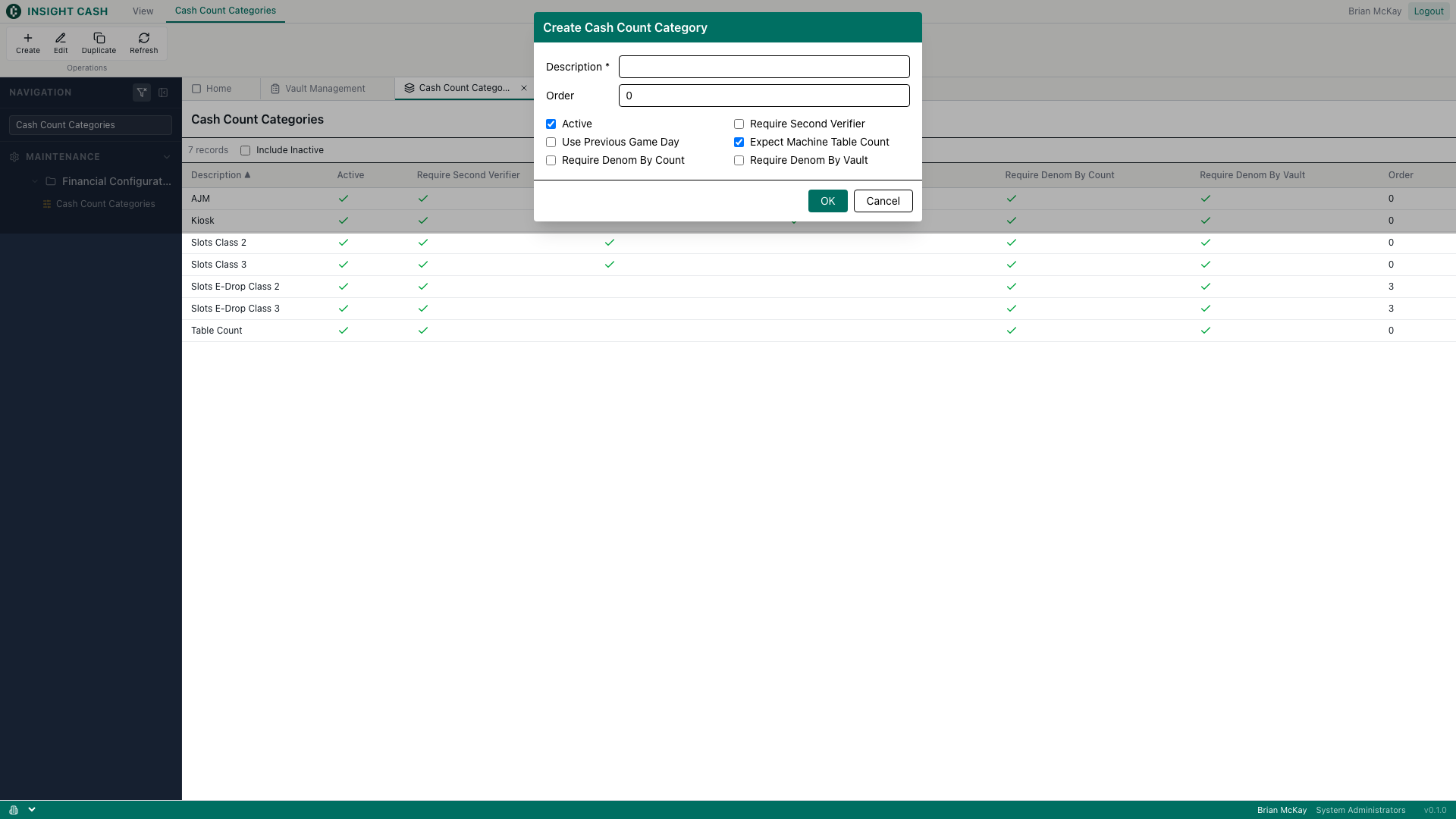
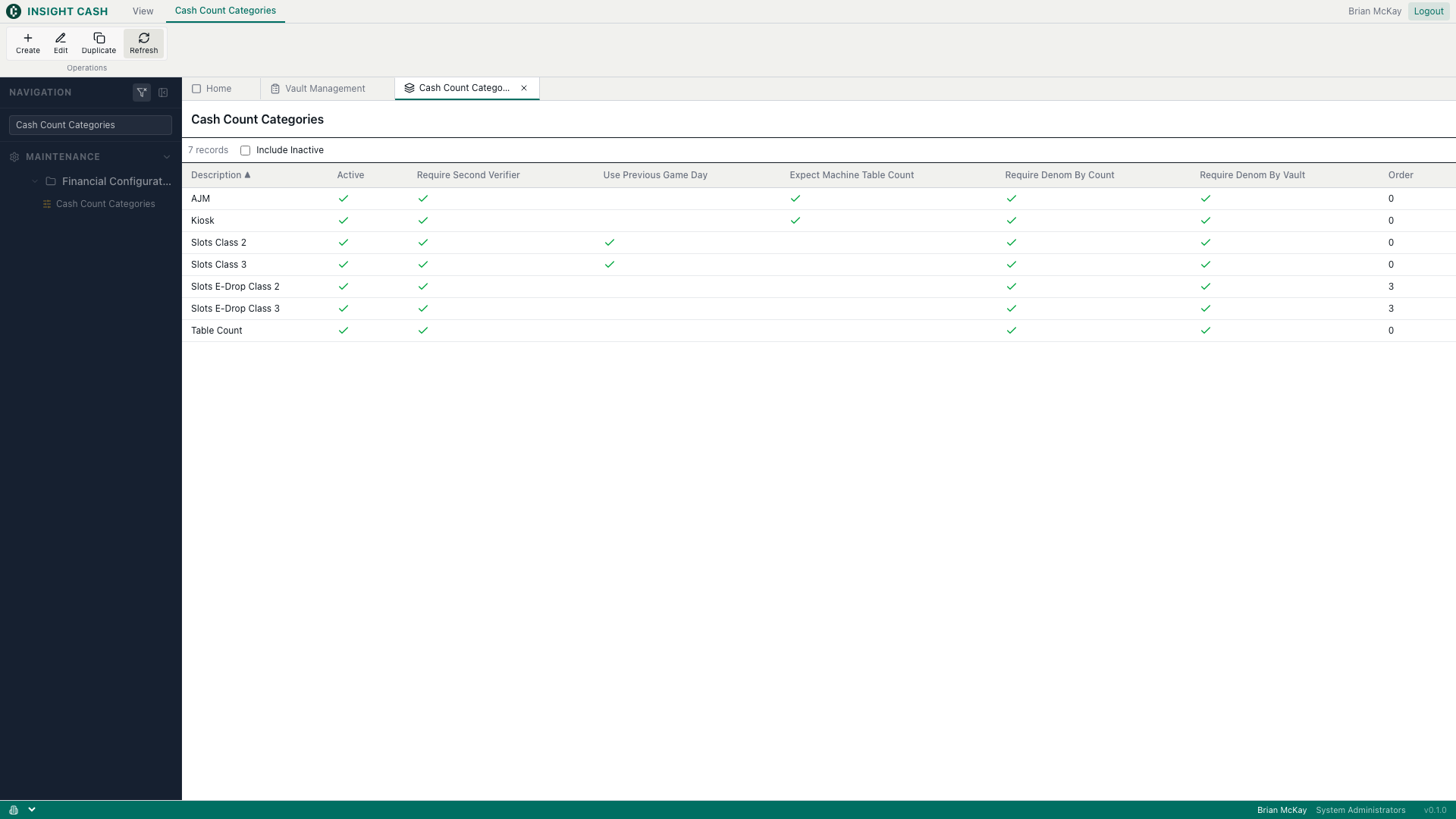
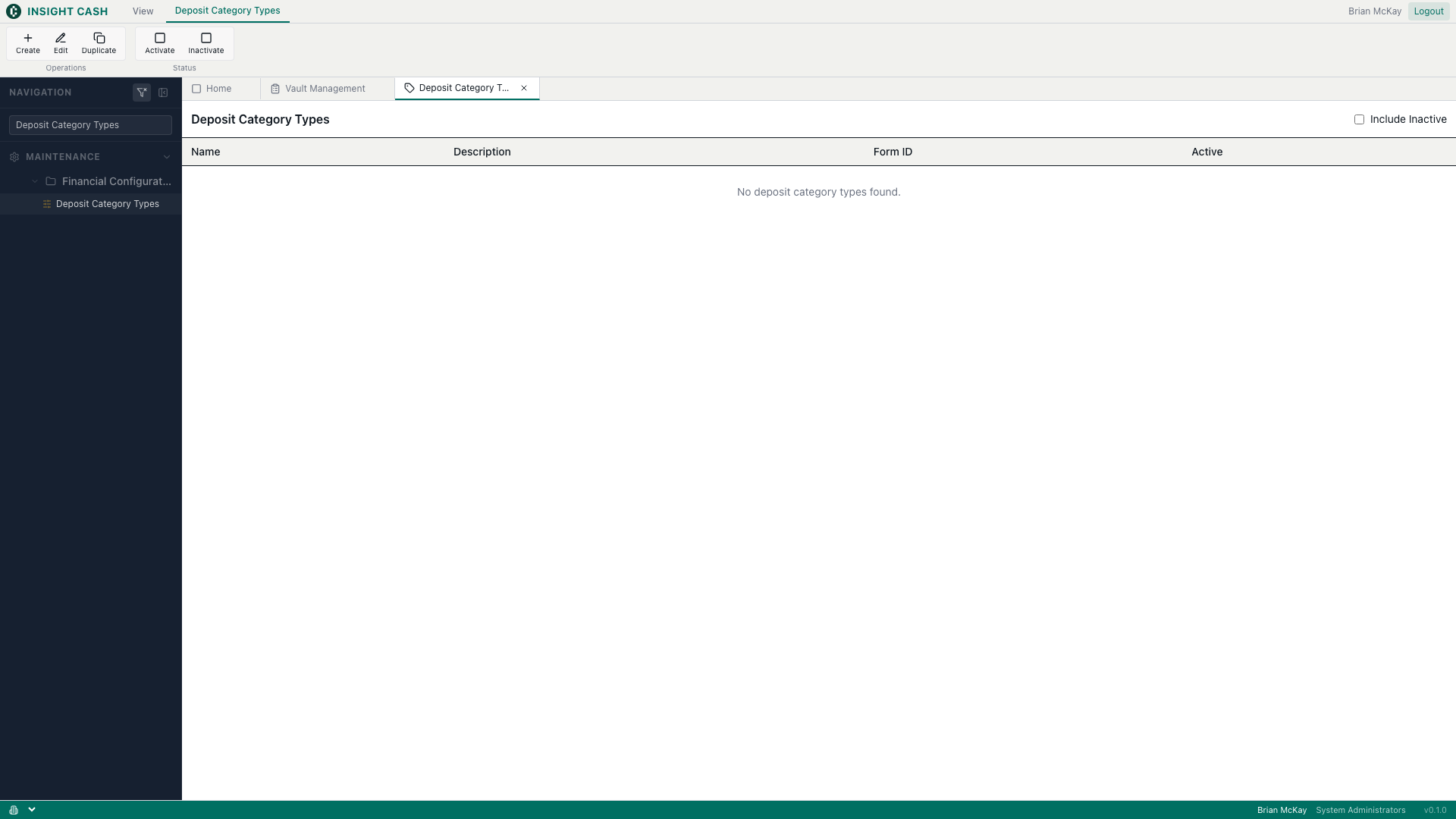
Maintenance → Financial Configuration. Bill-sorter count category CRUD.
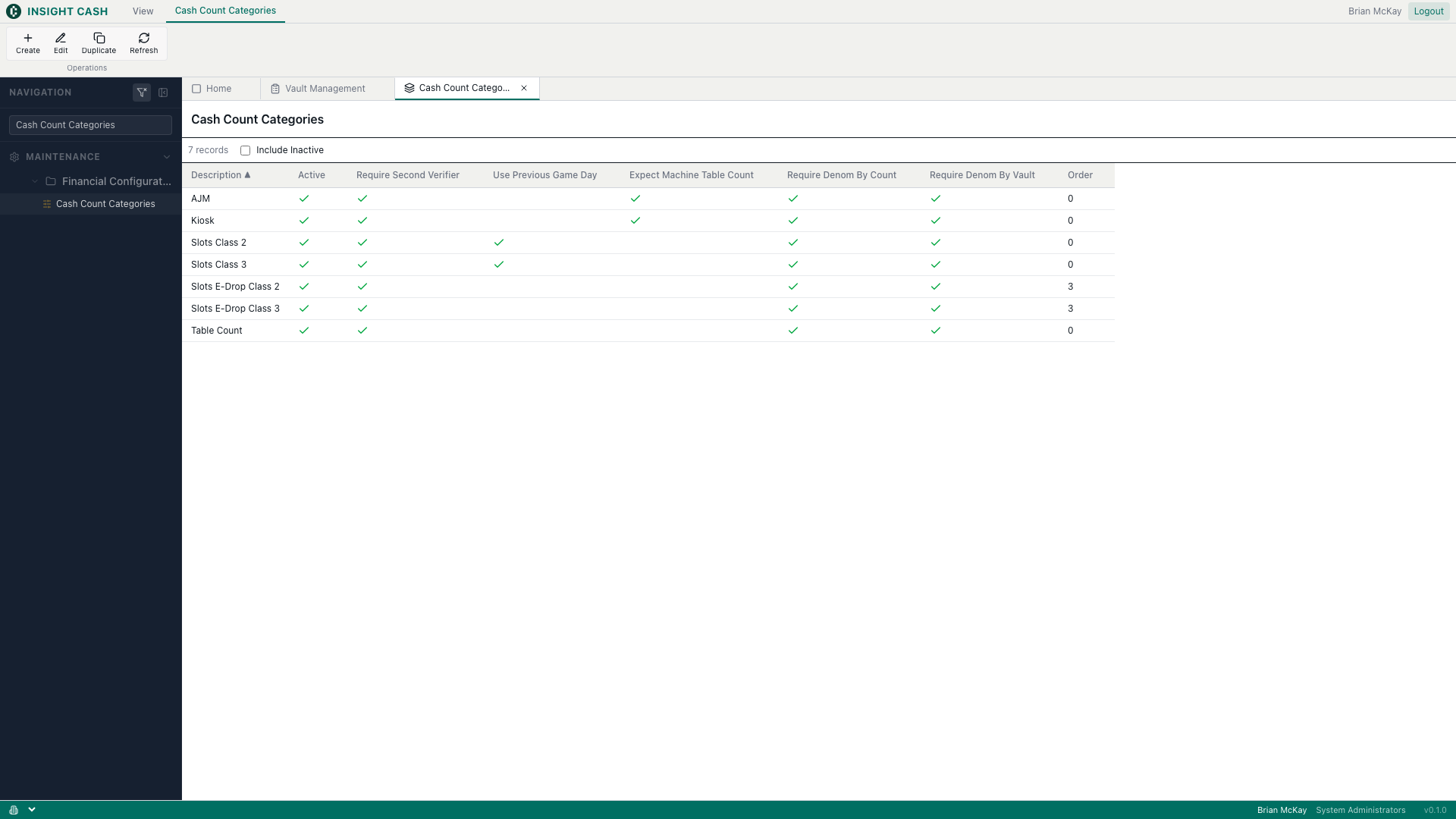
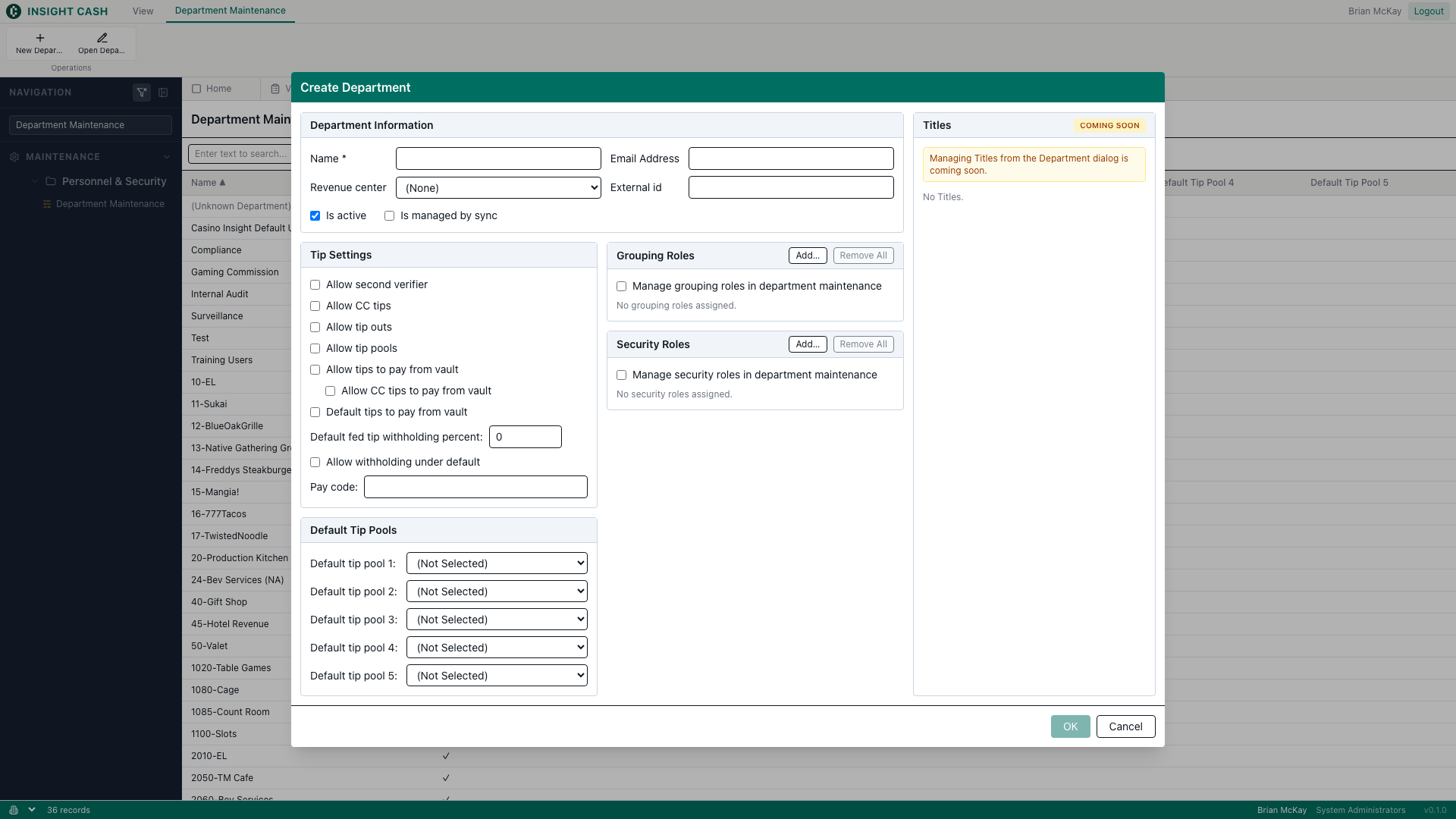
Maintenance → Personnel & Security. Department + Title CRUD with role mapping.
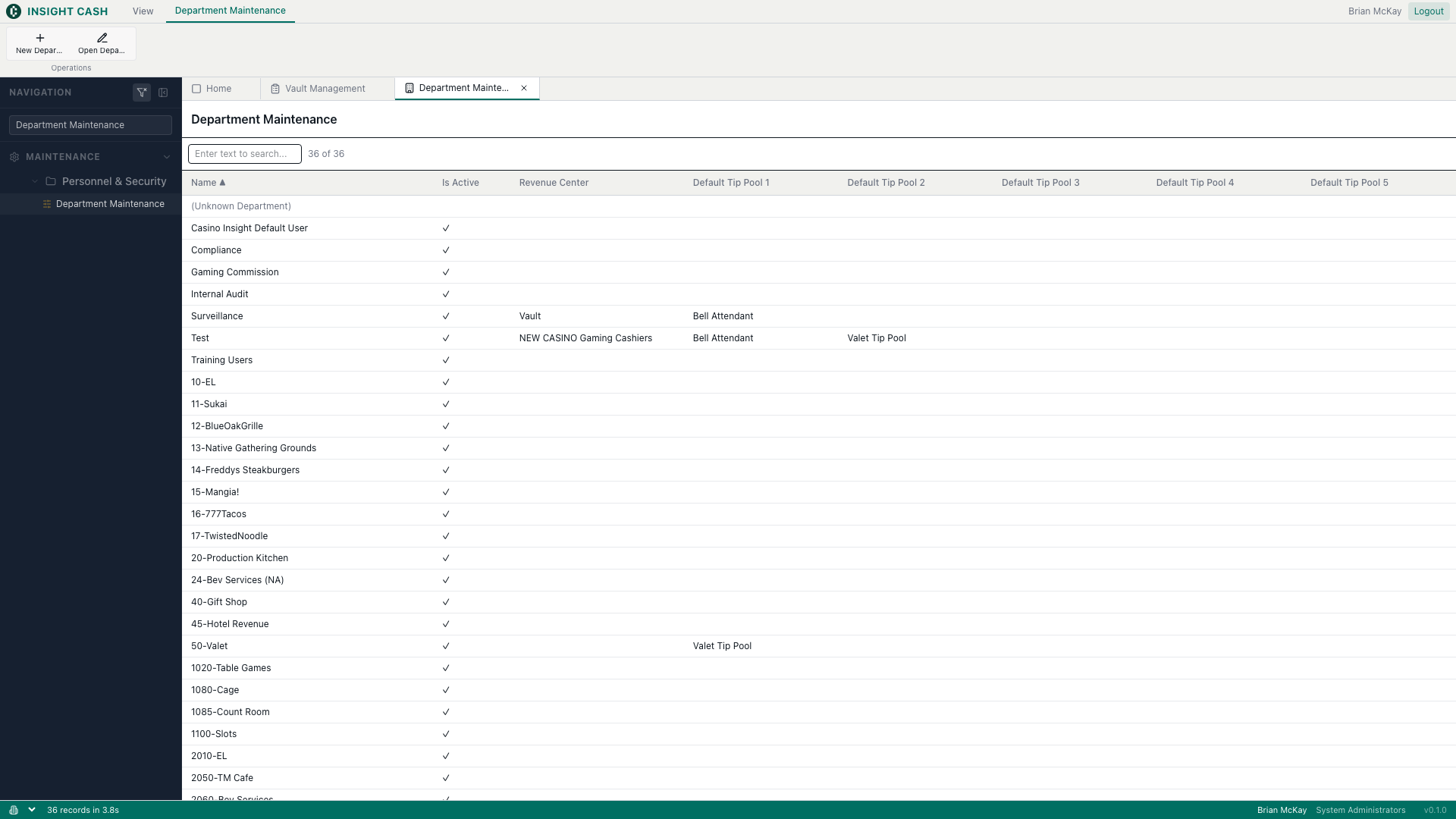
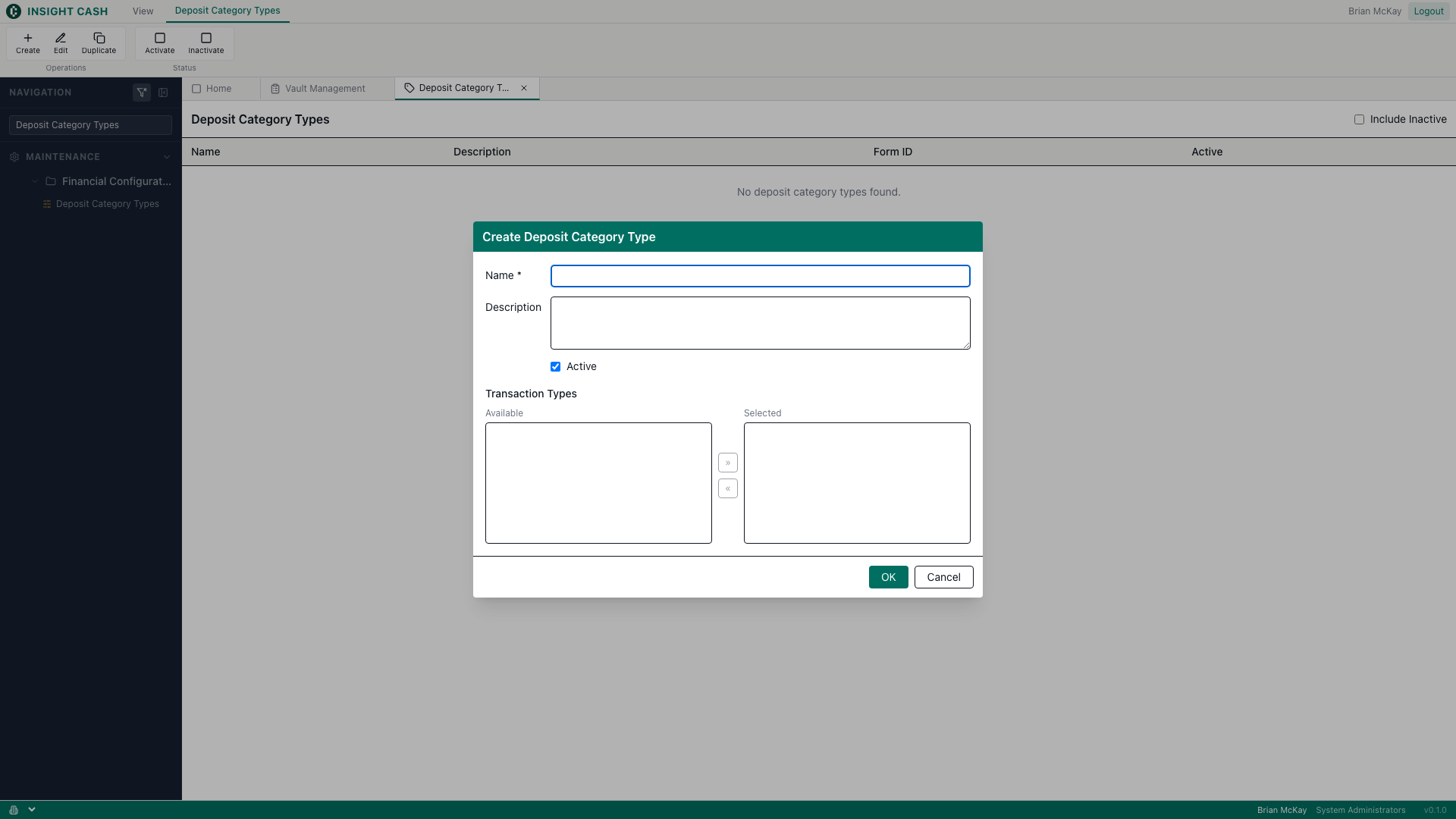
Maintenance → Financial Configuration. Category CRUD with dual-list TransactionType assignment.
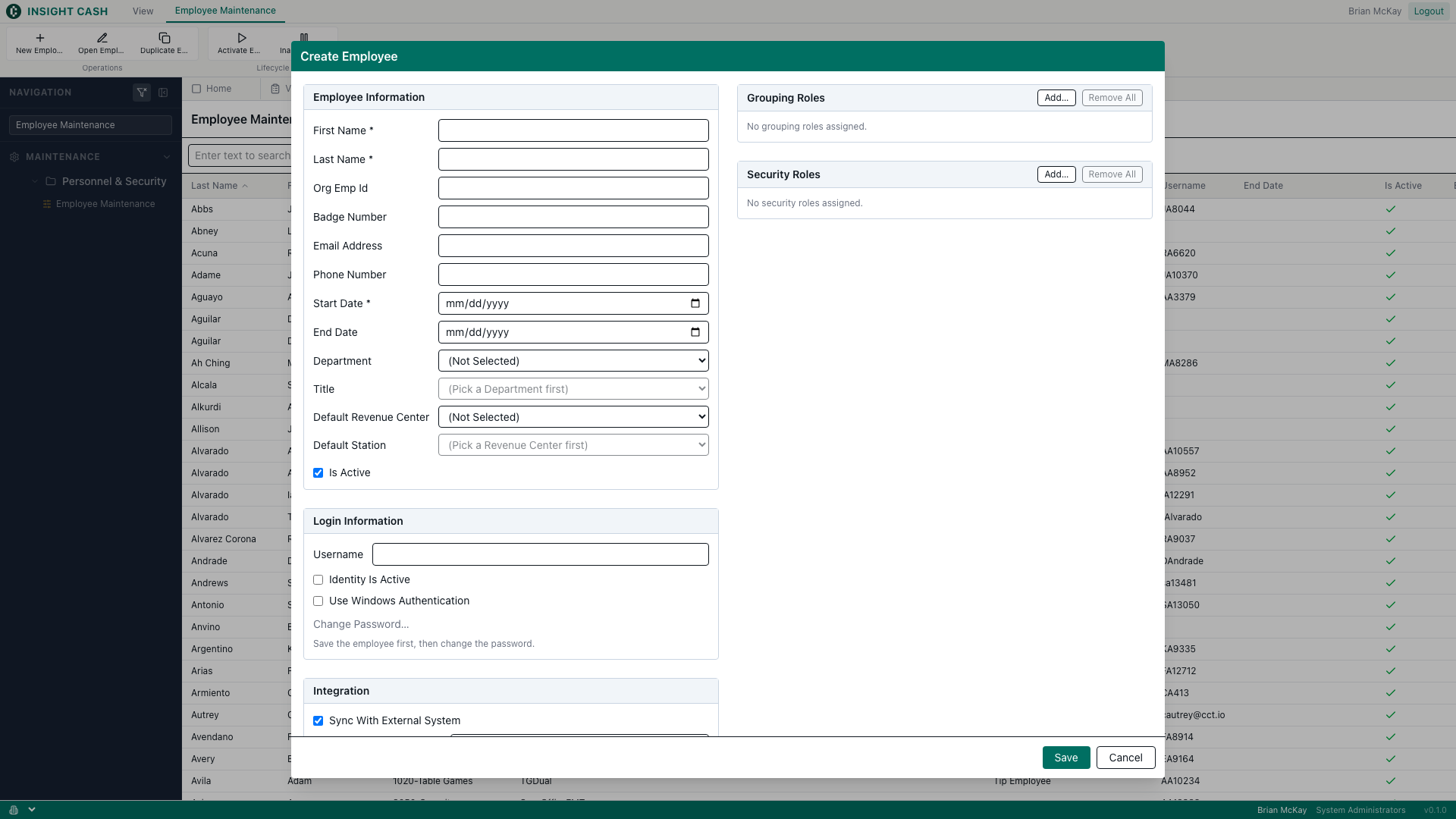
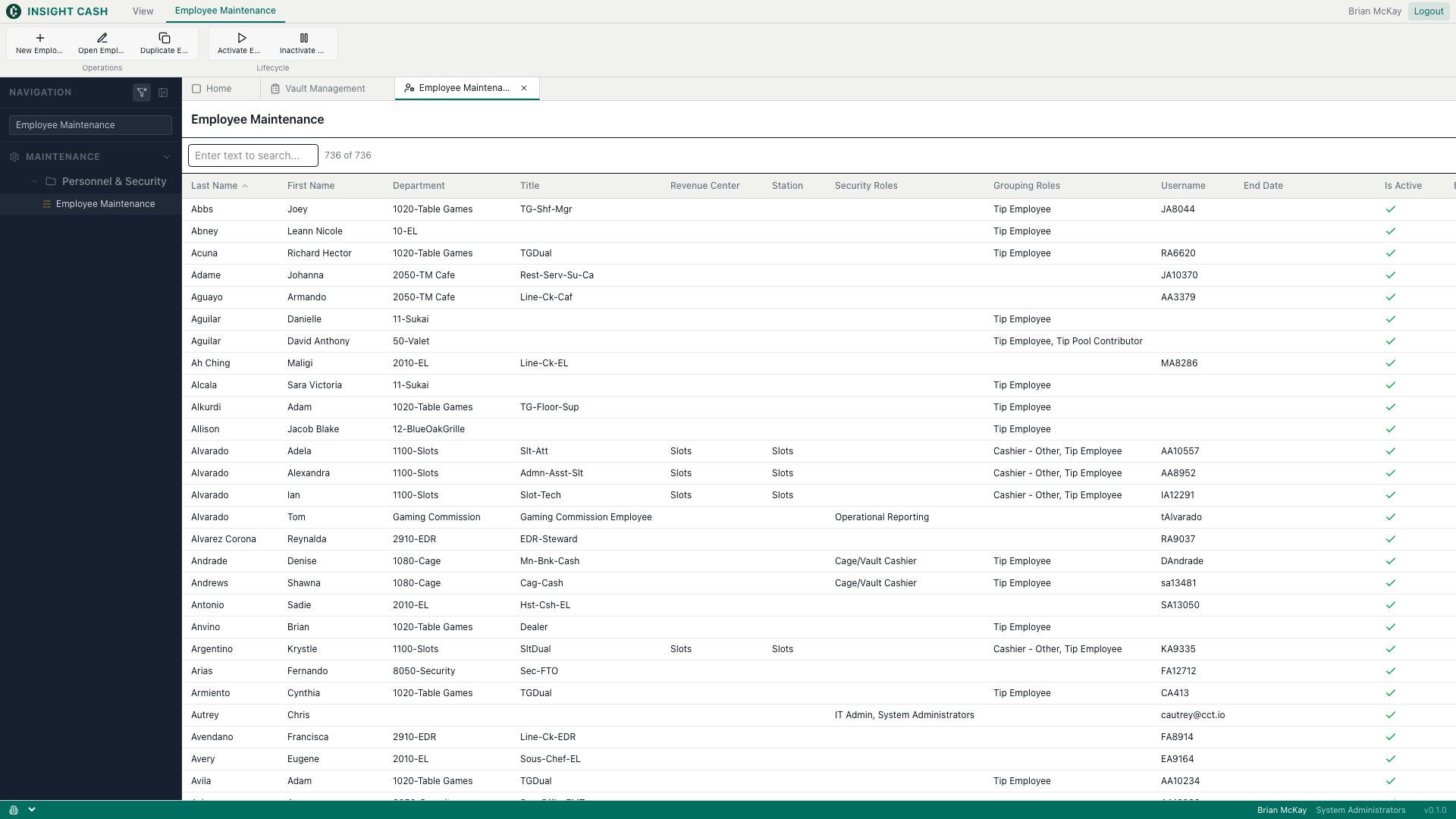
Maintenance → Personnel & Security. Employee + identity + role assignment CRUD.
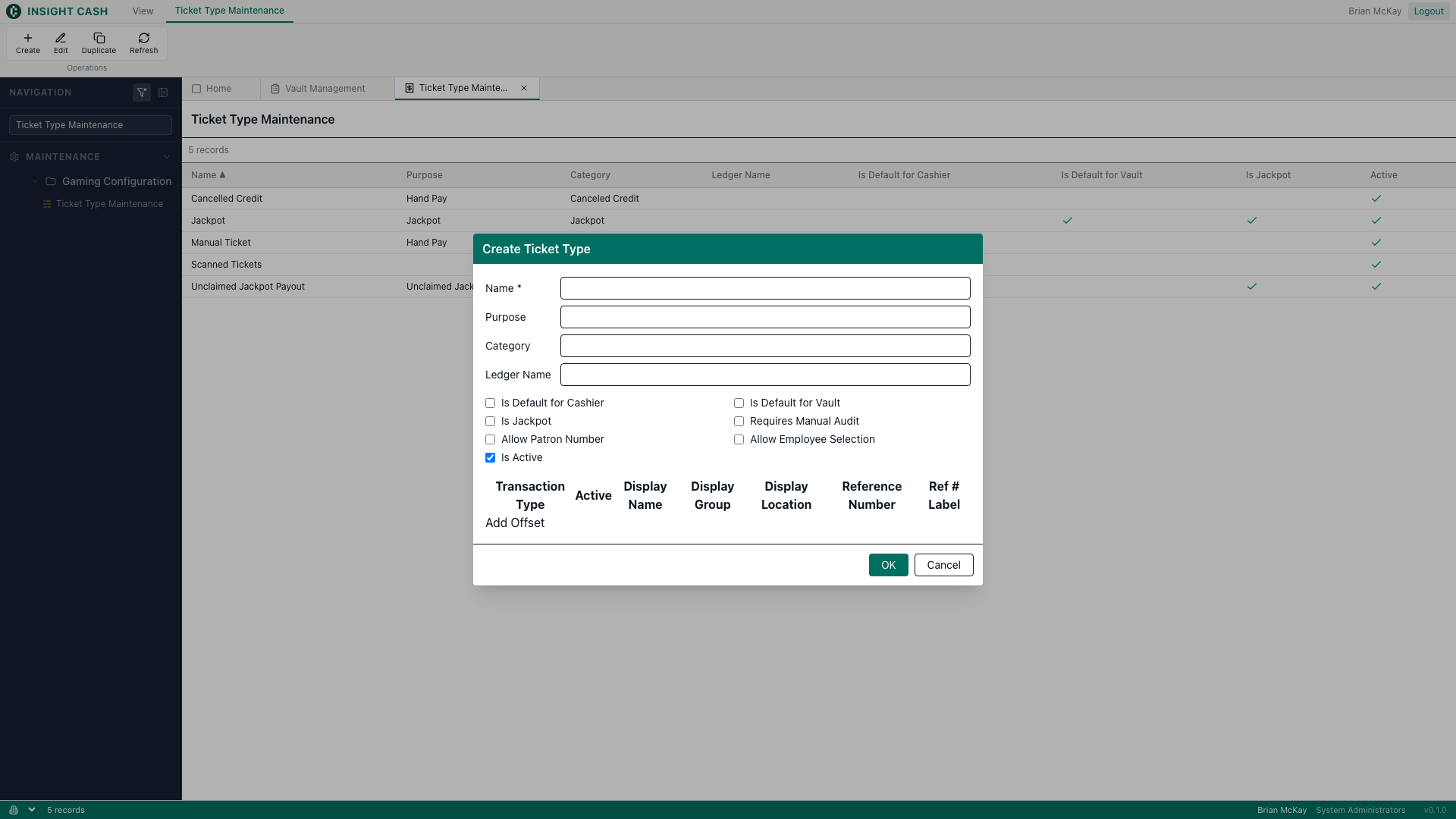
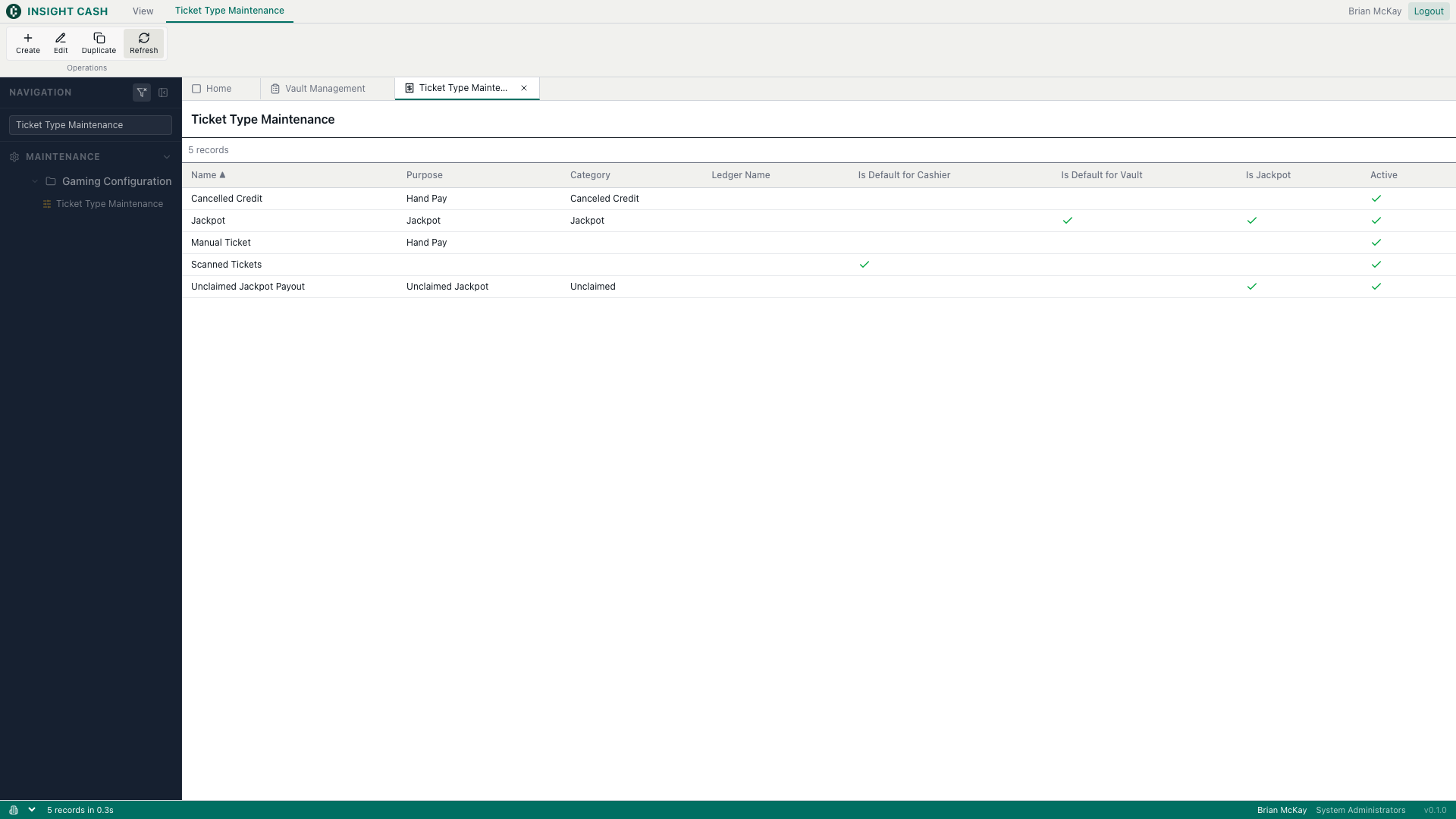
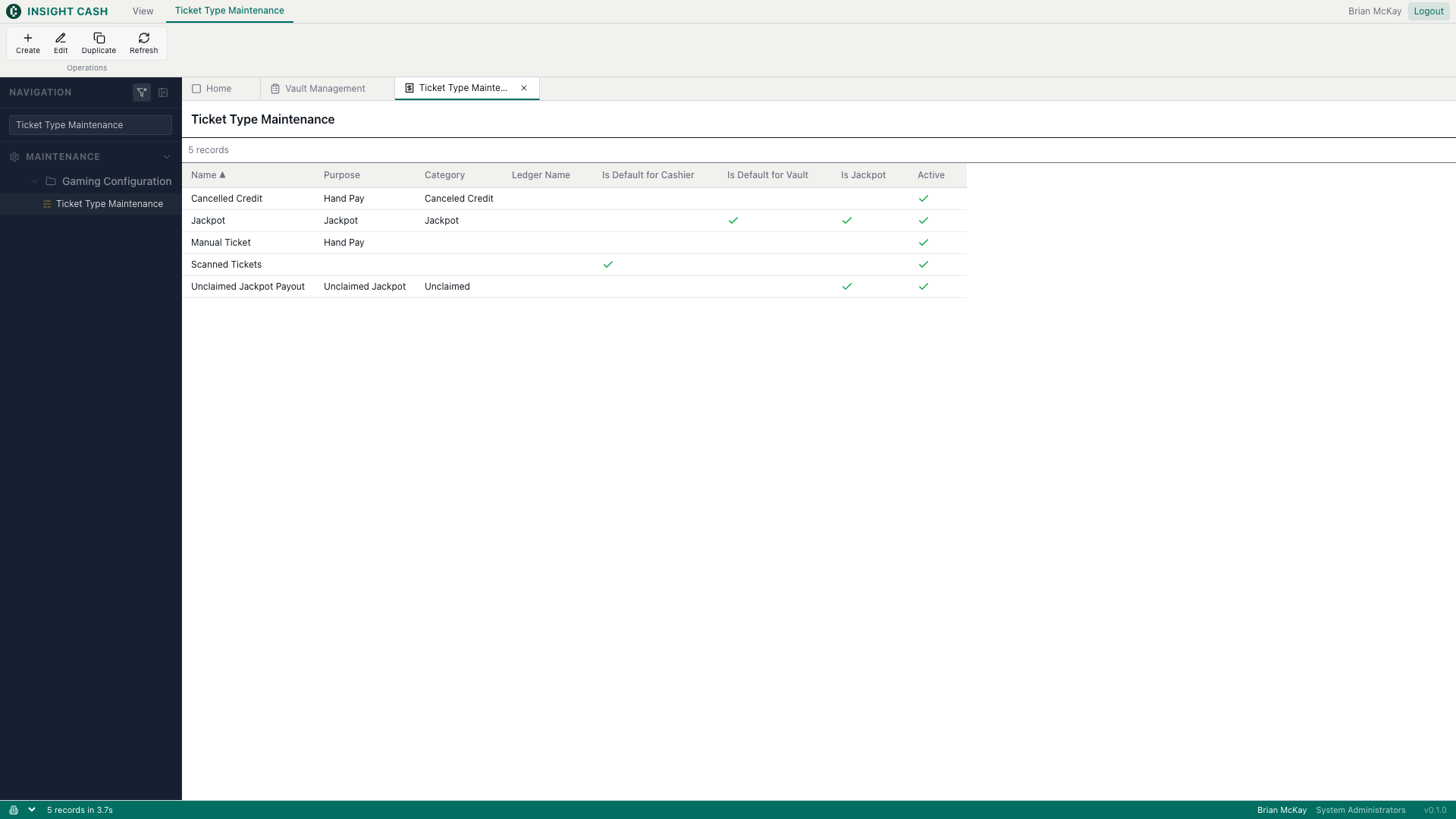
Maintenance → Gaming Configuration. Ticket type header + offsets editor.
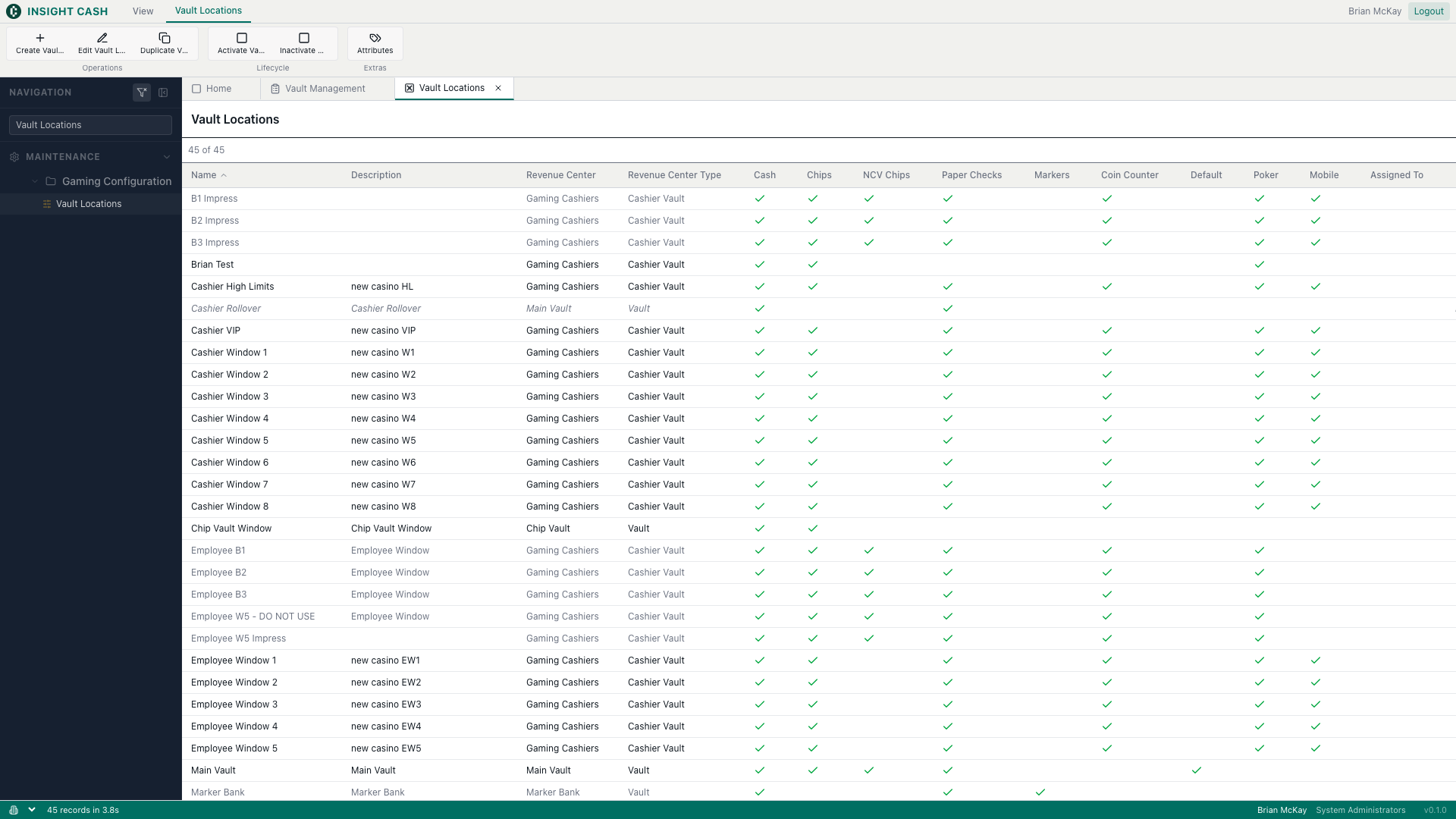
Maintenance → Gaming Configuration. Full CRUD over dbo.VaultType.
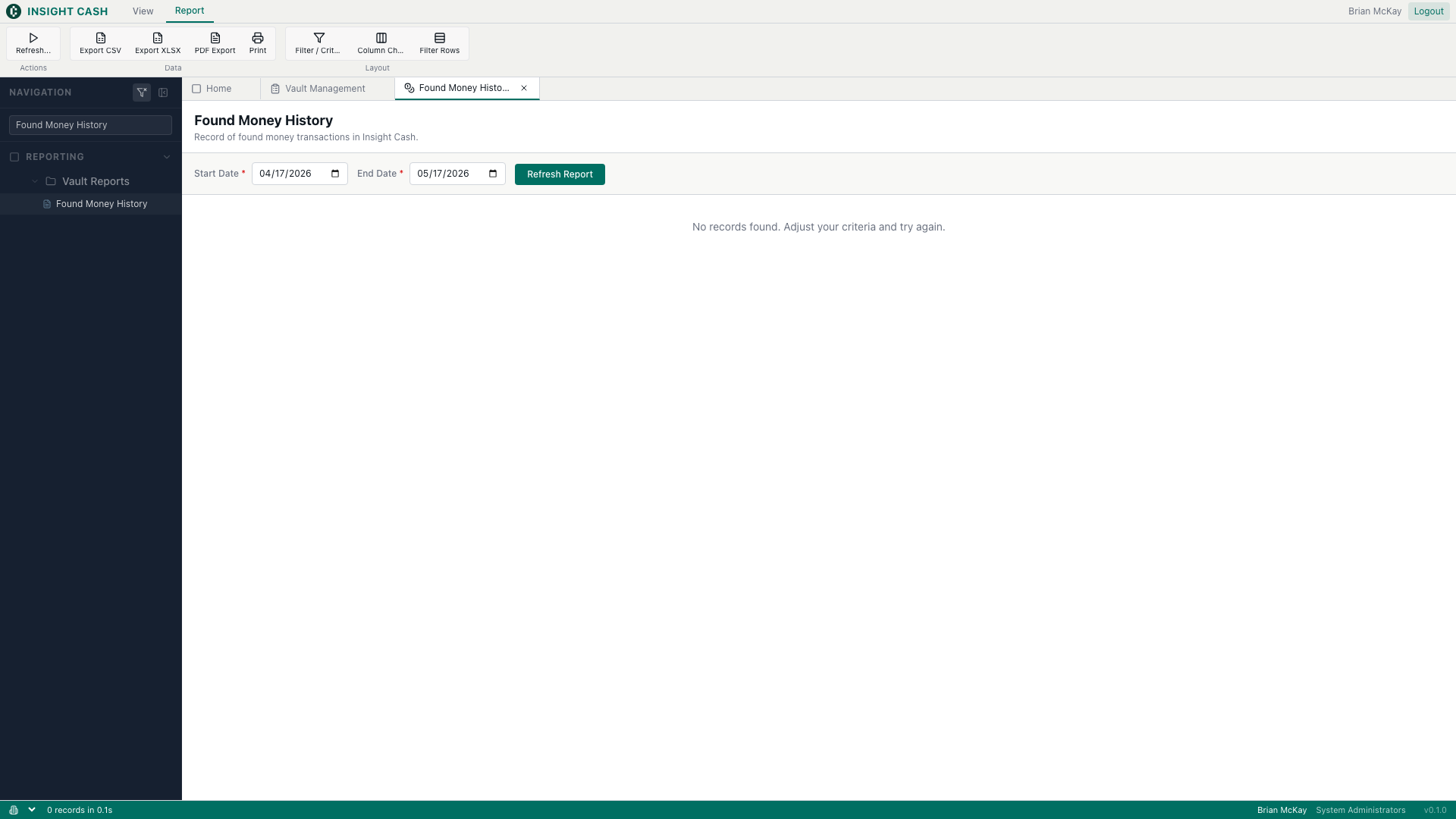
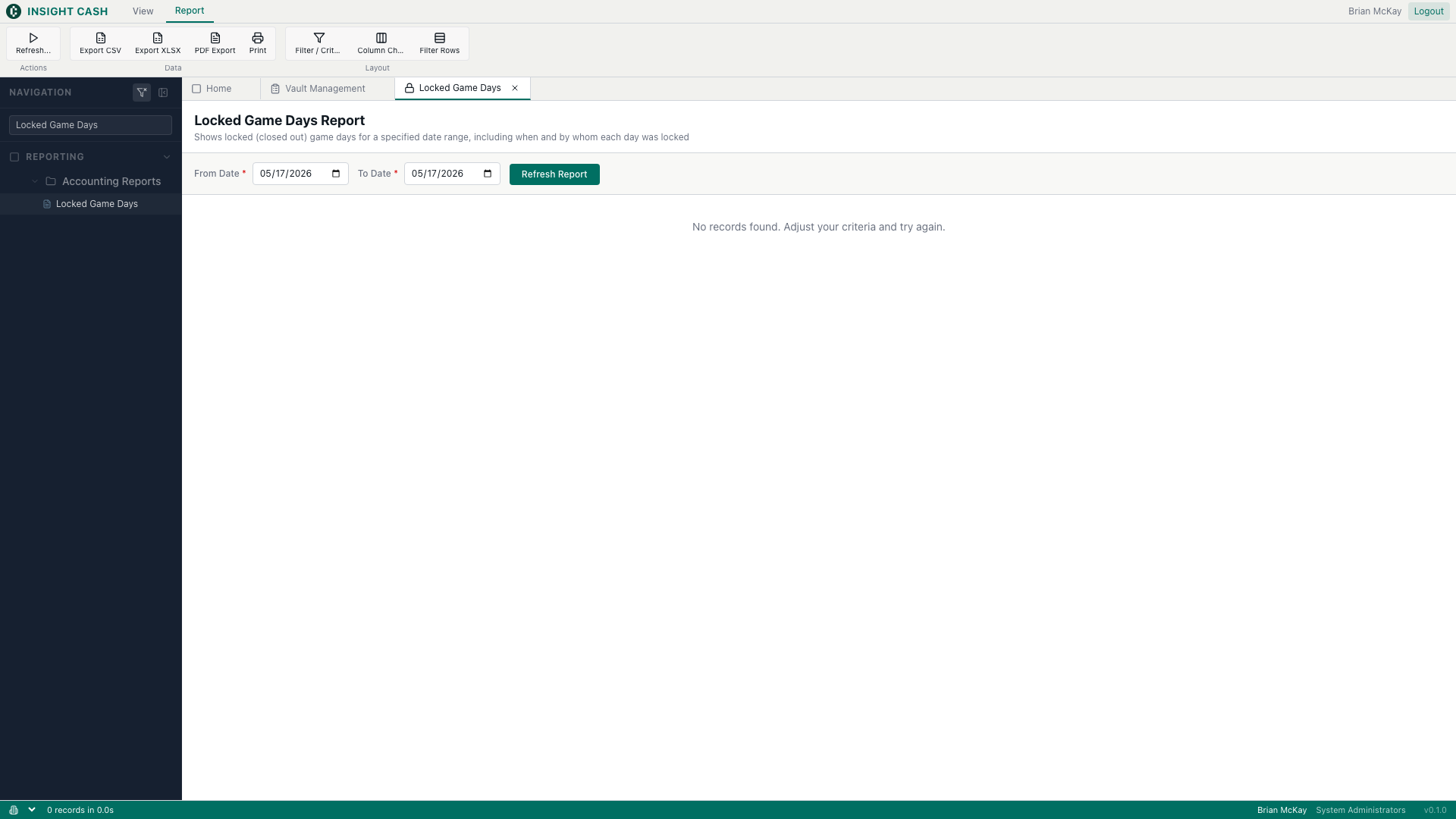
Read-only reports driven by a definition JSON plus a thin <ReportViewer> wrapper. No per-report API — all of them share one handler. Reports currently support a single data source per report; multi-source support is still on the roadmap.
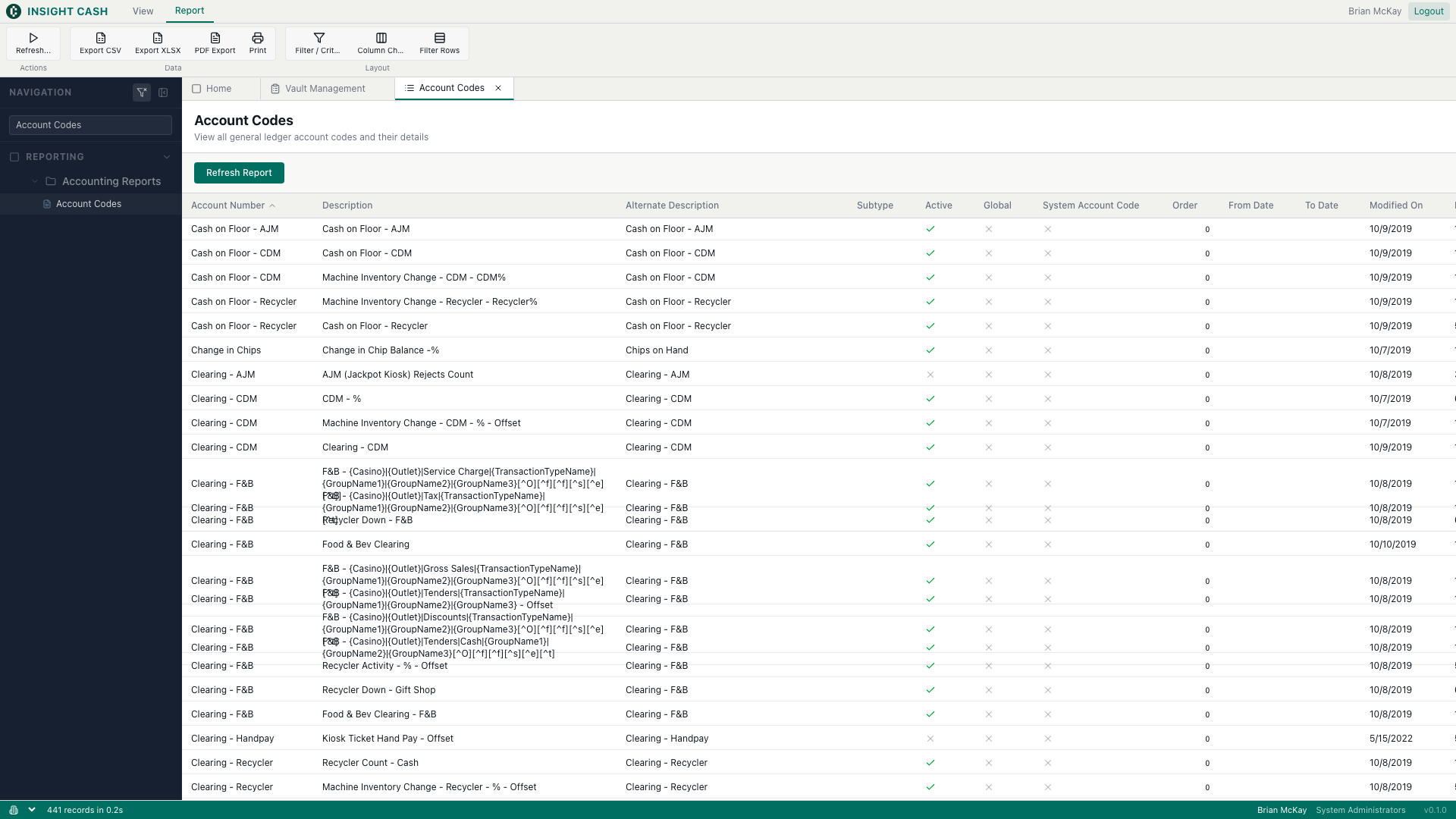
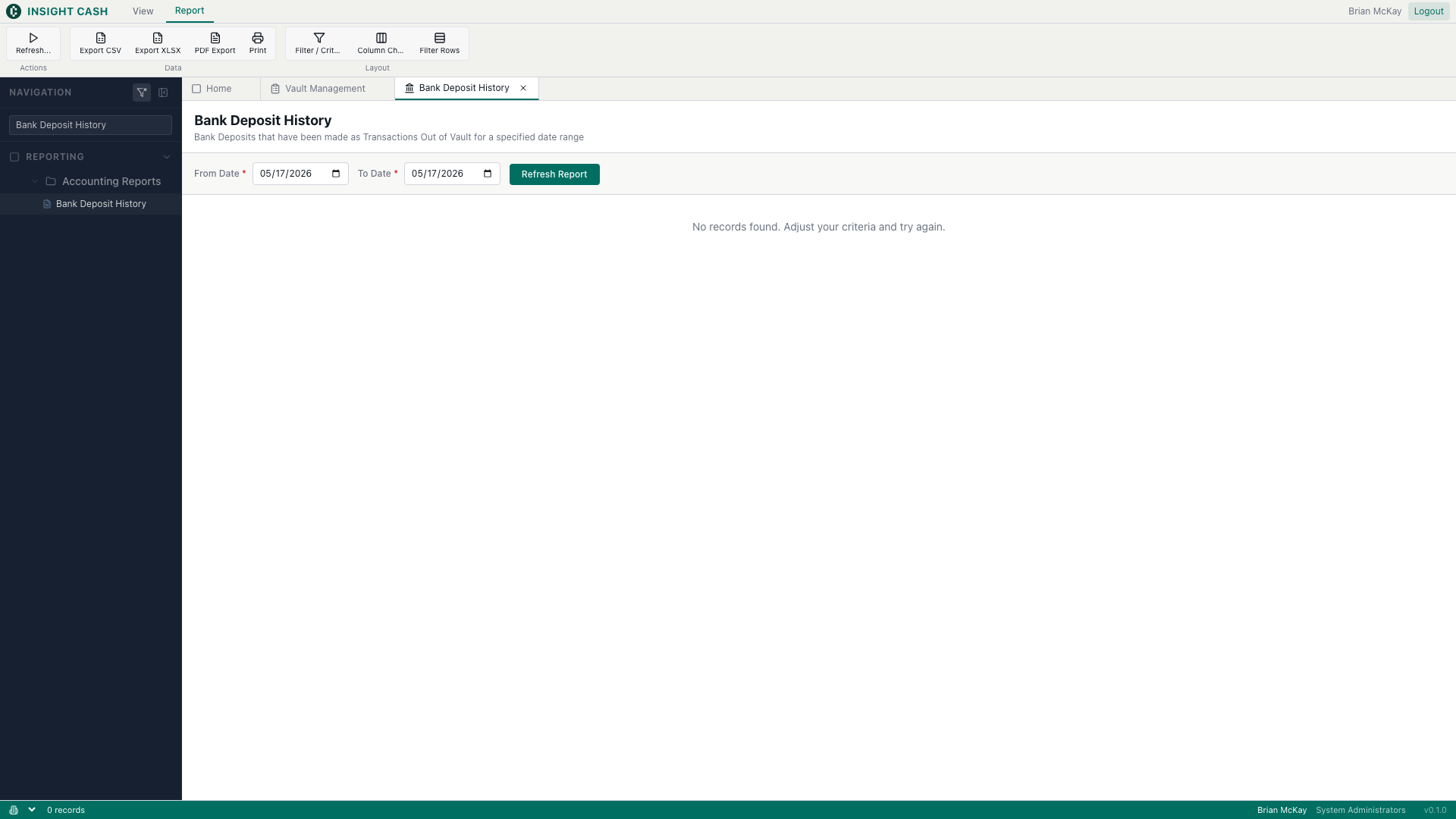
Reporting → Accounting Reports.
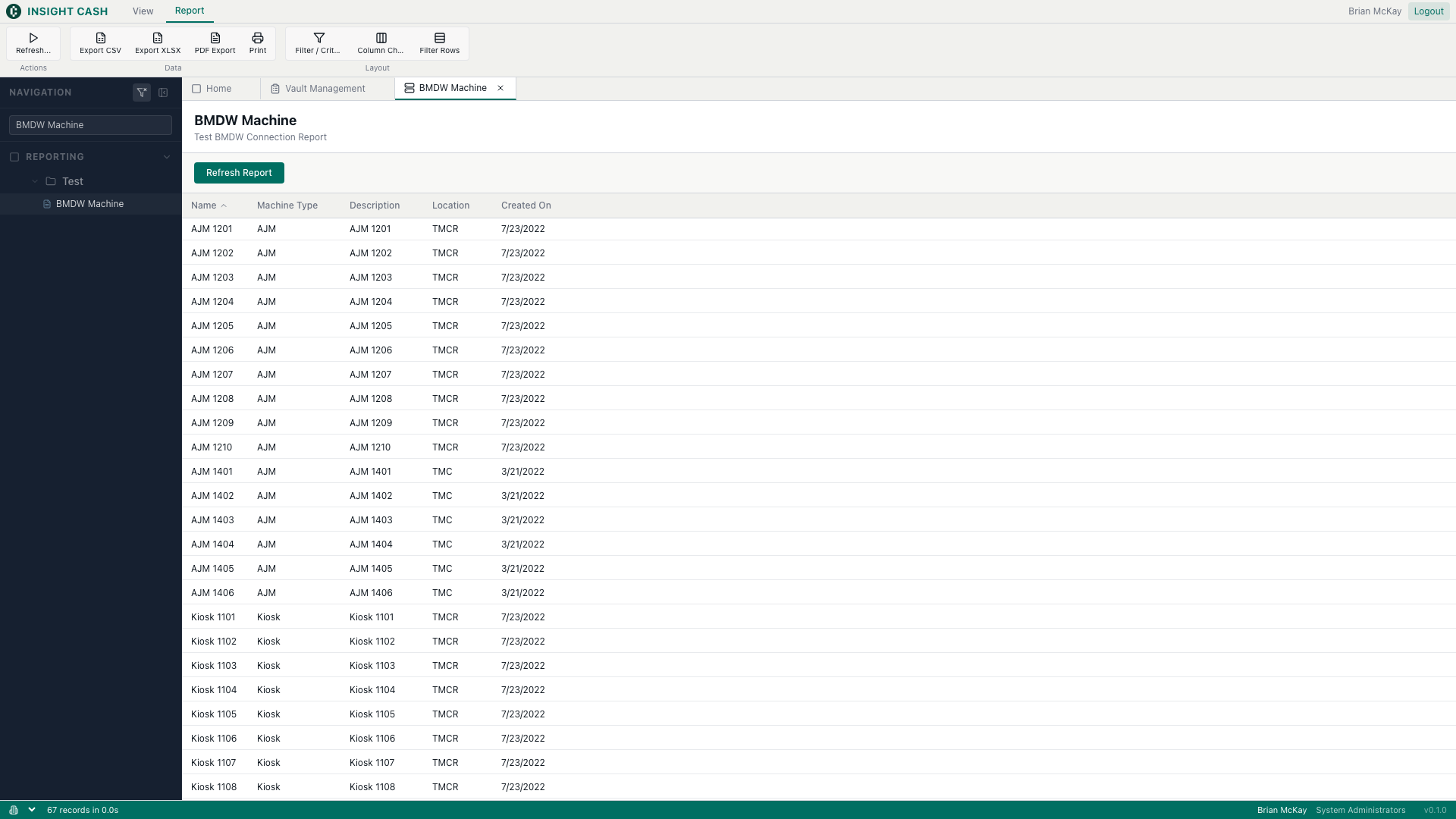
Reporting → Test.
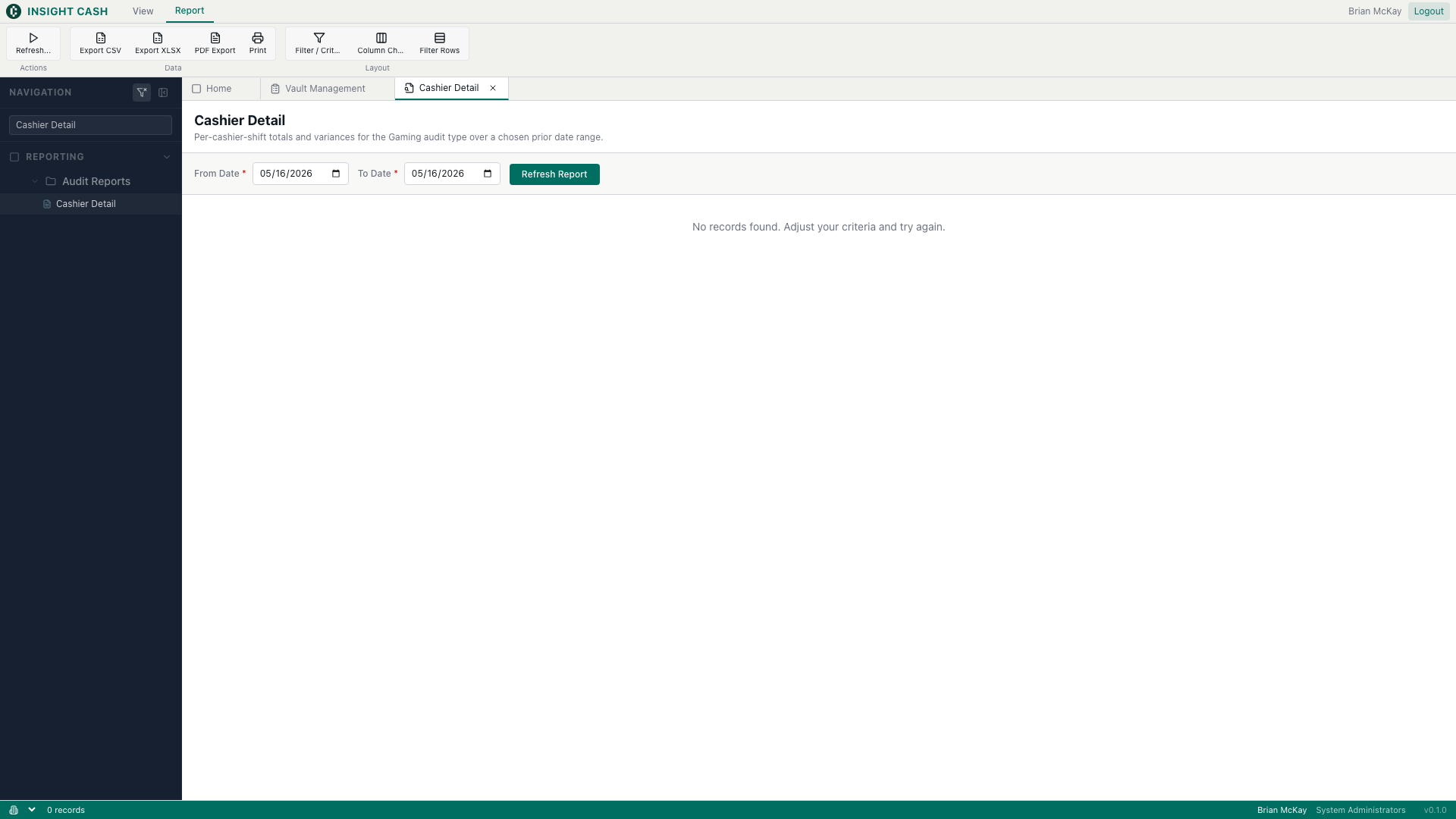
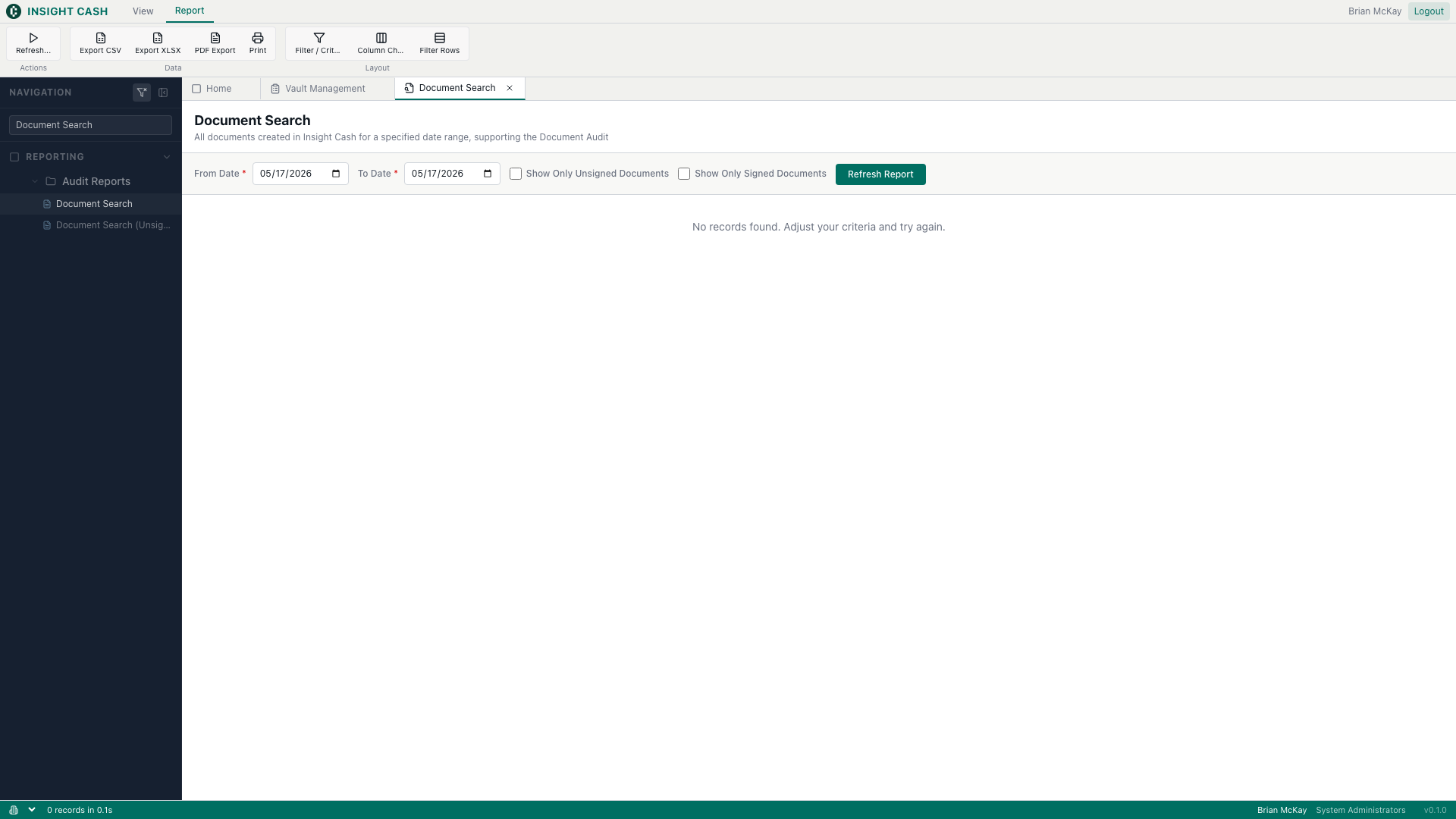
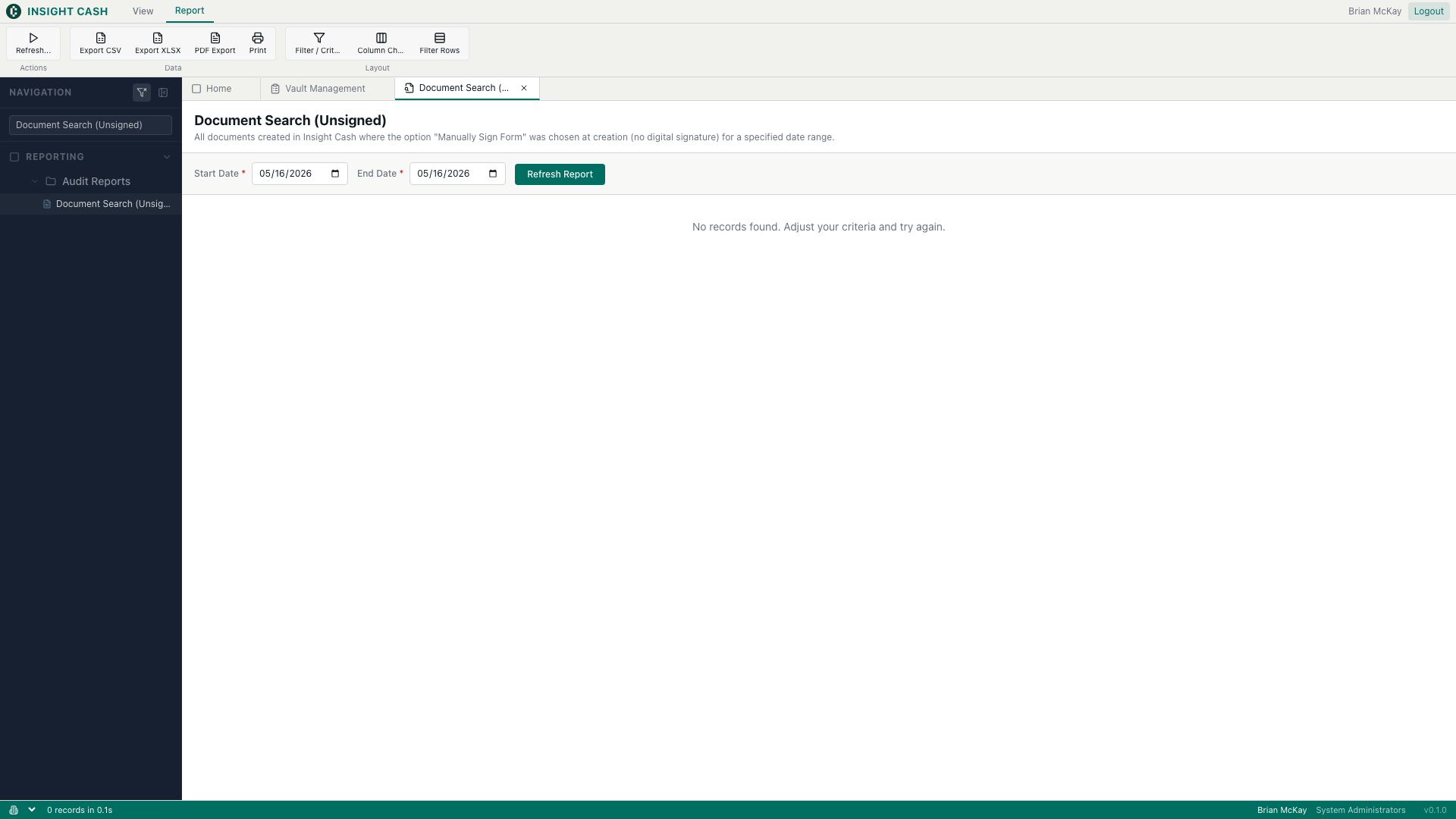
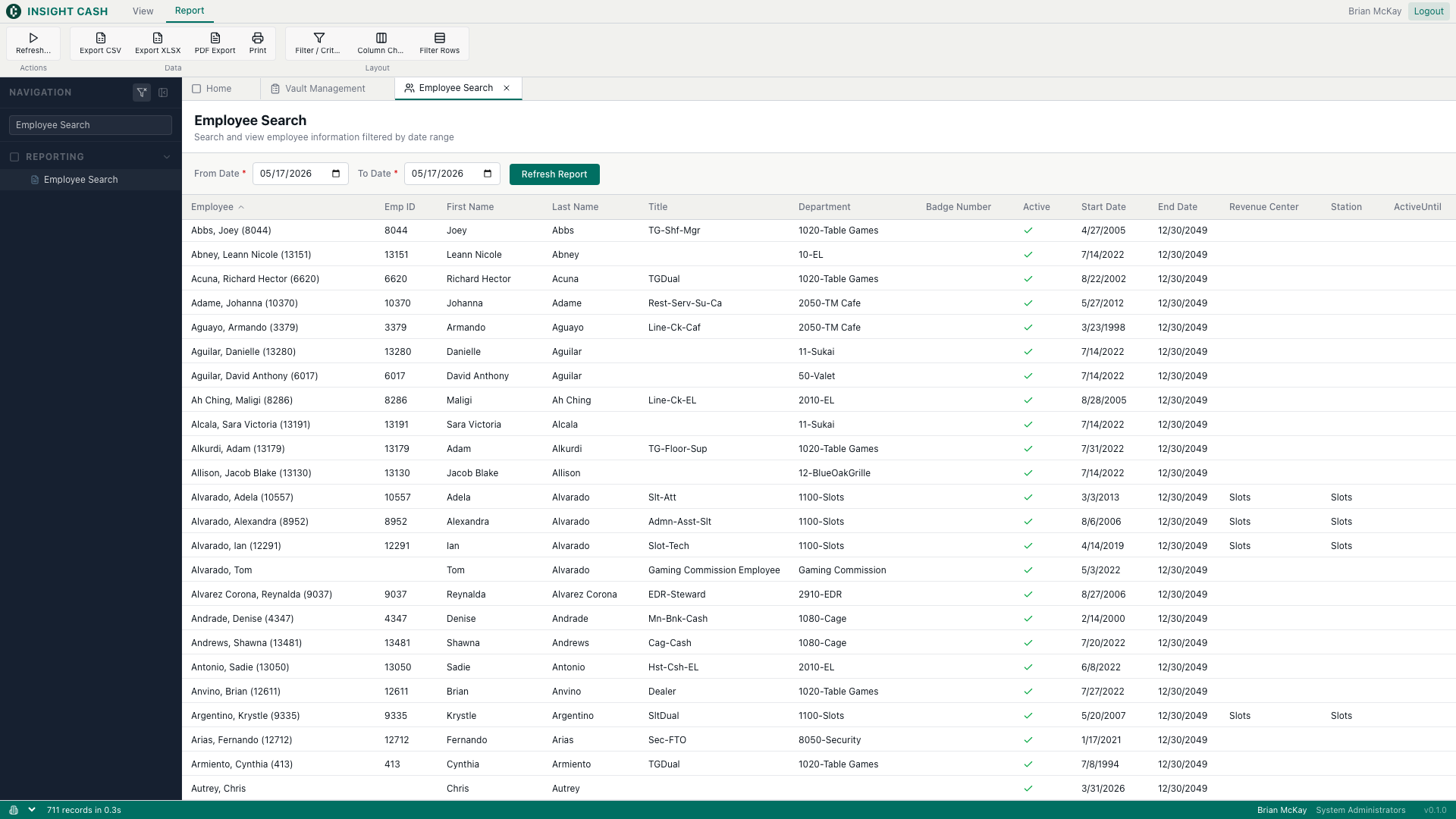
Reporting → Audit Reports.
Reporting.
Reporting → Vault Reports.
Reporting → Accounting Reports.
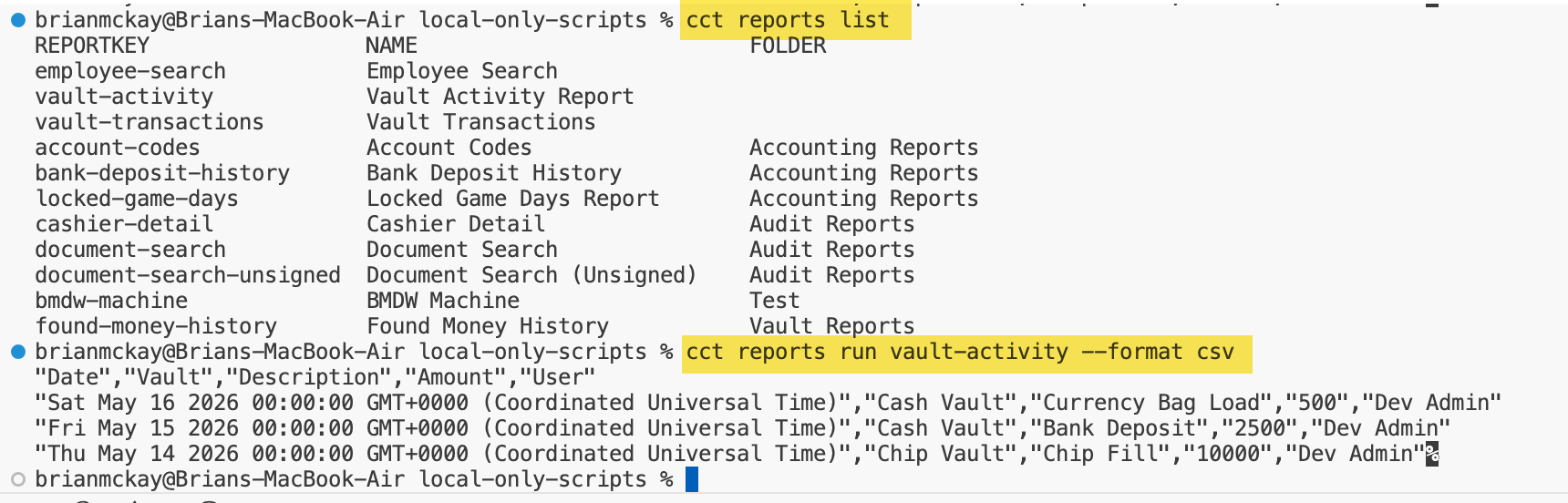
Reporting → Vault Reports. Vault activity rollup.
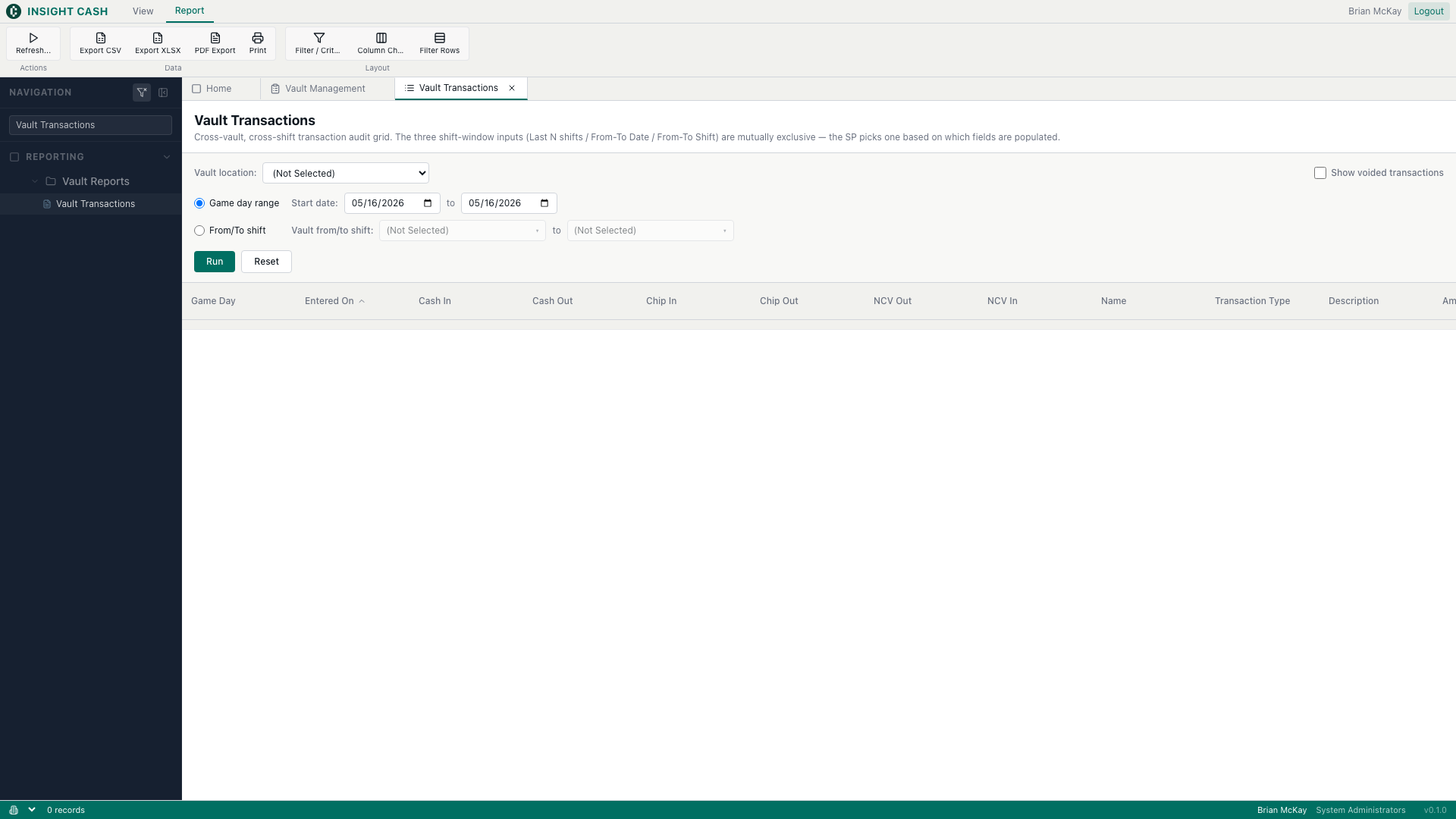
Reporting → Vault Reports. Multi-vault, multi-shift transaction grid with money-column totals.
Reusable building blocks consumed by multiple tools. Each one is owned by the intent that first shipped it; later intents inherit.
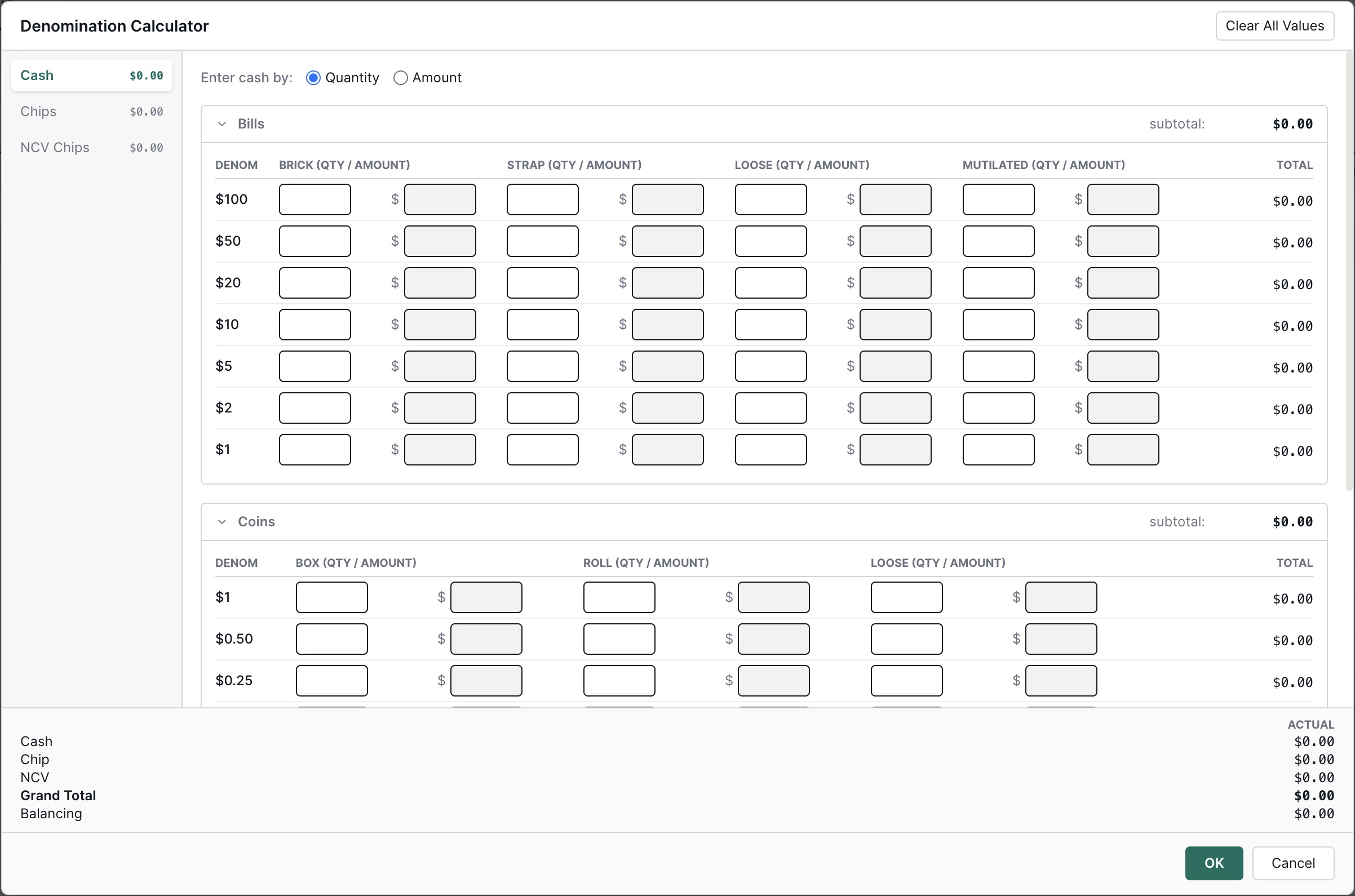
Cash, Chip, NCV Chip, Currency Bag, Premades, and Other Items counters.
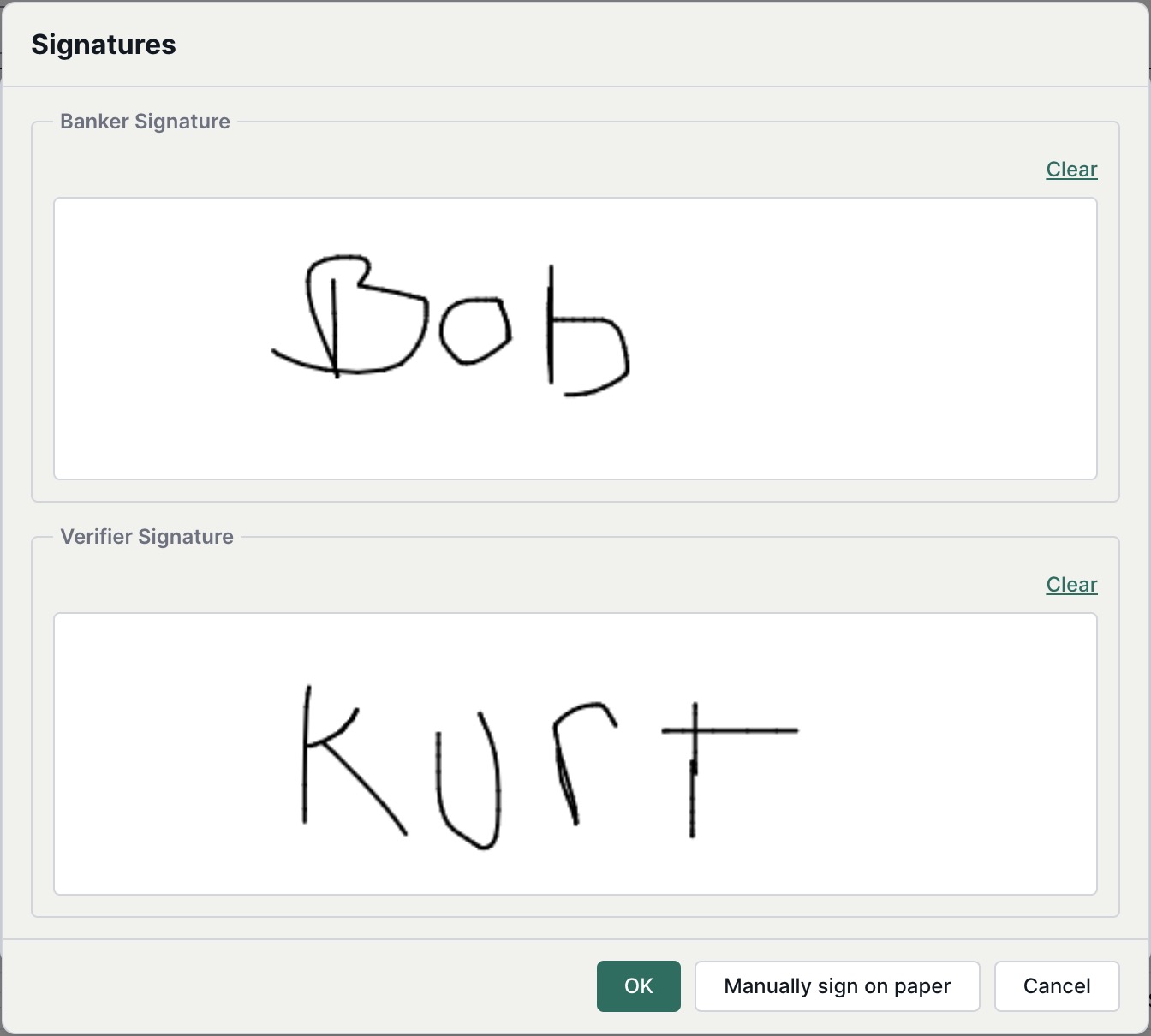
Document signature capture — mouse-only for now; Topaz hardware support deferred.
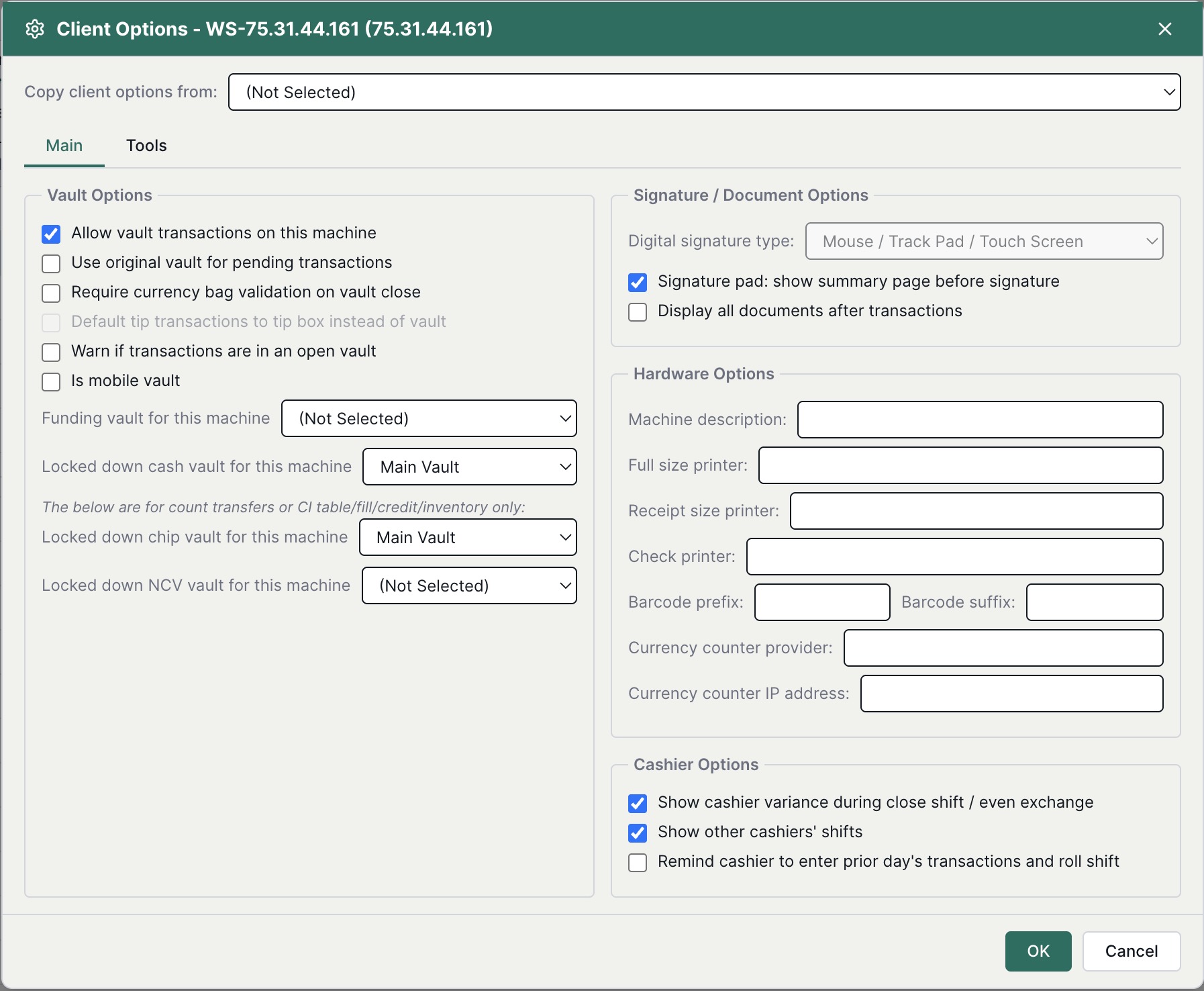
Workstation client-options editor.
Shared ReportGrid / data grid with footer aggregation and auto-sizing.
<ReportViewer> plus the criteria runtime.
Application shell: sidebar, ribbon, command bus.
Dual-list offset picker.
Miscellaneous cross-tool primitives.
Platform services that aren't user-facing tools, but power everything else.
Counts across the entire CasinoInsight v6.1 WinForms feature surface that has to land in the web app, bucketed by type and status. Internal diagnostic tools, deprecated modules, and analytics / data-warehouse features are excluded.
Note — every screenshot in this section is captured automatically by a Playwright script and synced to S3 on each deploy. No hand-pasted images, no stale UI in the deck.
Every test file in the repo, bucketed by type (rows) and area (columns). Counts are cases per file. Contract files are type-level assertions and count as one case each.
| Type | Frontend | Handlers | CLI | Cross-cutting | Total |
|---|---|---|---|---|---|
| Unit | 483 | 871 | 388 | 6 | 1,748 |
| Integration | – | – | 22 | – | 22 |
| Contract | – | – | – | 14 | 14 |
| Smoke | – | – | 5 | 12 | 17 |
| E2E | – | – | – | 669 | 669 |
| Total | 483 | 871 | 415 | 701 | 2,470 |
Mocked dependencies. The bulk of the surface. Vitest.
CLI commands running against handler logic with mocked AWS / DB. Vitest.
app/contracts/*.contract.ts keeps handler responses, CLI requests, and shared schemas aligned.
SPA smoke (Playwright) and CLI smoke (Vitest spawning the compiled cct CLI).
Playwright against a real browser, real Cognito, and the real API.
Note — Claude doesn't just write the code and the tests — it also drafts the user-facing documentation and the publicly accessible technical guides that ship alongside each tool, kept in lockstep with the implementation.
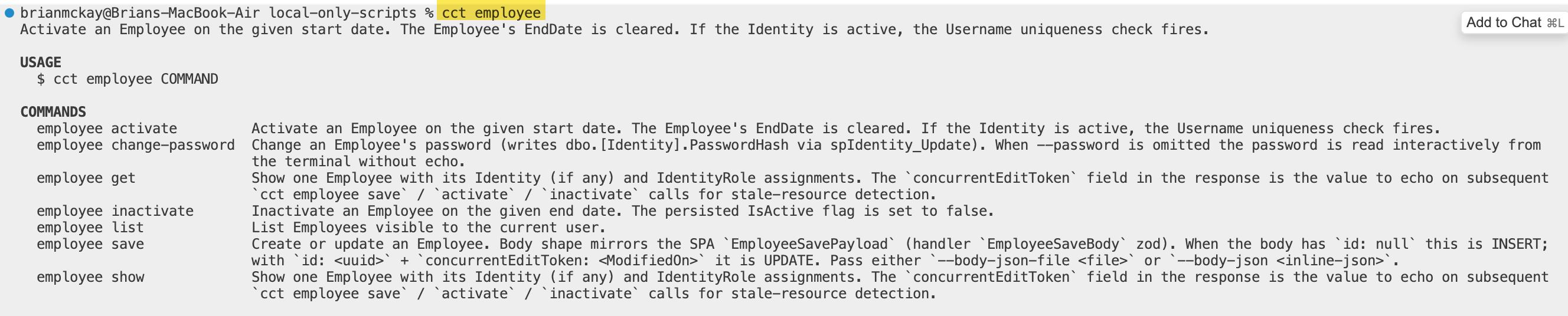
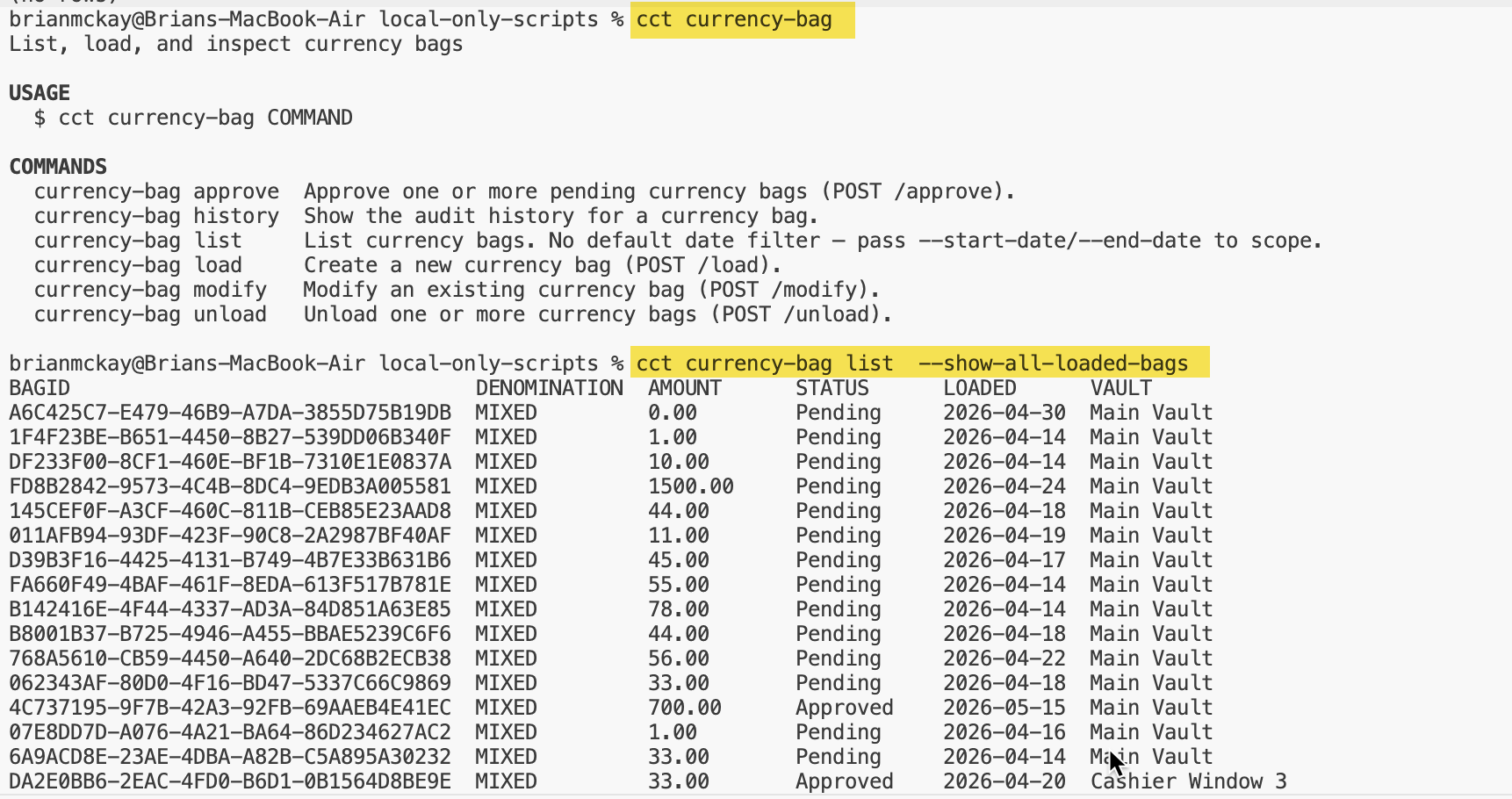
The cct CLI is the agent-facing surface of Insight Cash. Every interactive tool, maintenance editor, and report is reachable from the terminal using the same business logic, auth, idempotency, and audit guarantees as the SPA.
Designed for AI agents first. Claude — or any MCP-aware automation — can authenticate, run a shift close, reconcile a currency bag, export a report, and verify the result programmatically, without a browser, a screen, or a human in the loop, and leaving the same RBAC + audit trail an operator would. Stable command names, machine-readable JSON output, deterministic exit codes, and per-write idempotency keys are what make Insight Cash agentically operable — Claude doesn't need a UI to do the job, it needs a contract, and the CLI is that contract.
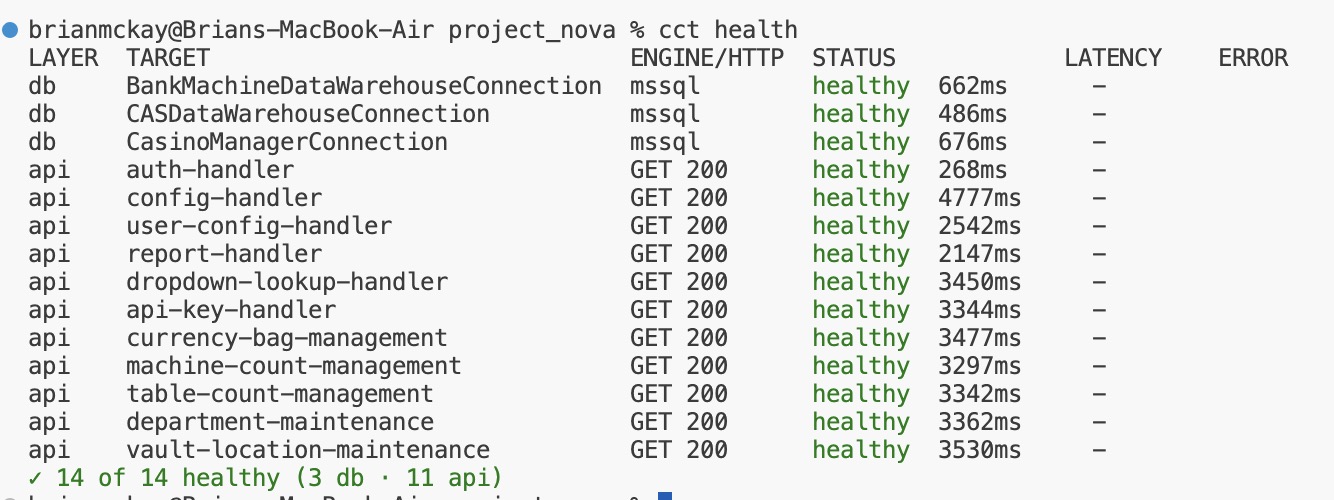
Humans get the same surface as a side effect — ops engineers wire cct health into CI gates, power users script bulk operations, anyone who'd rather type than click.
The CLI ships 18 topics and 67 commands.
Both paths hit the same handler, the same SP, the same RBAC, and leave the same audit trail. Only the surface differs.
cct login --api-key=$IC_KEY cct currency-bag load \ --denomination USD100 \ --vault-type-id 11111111-...-...-...-111111111111 \ --amount 1000 \ --description 'Night audit bag' \ --signature banker=./banker.png \ --json
list · create · edit · void · approve · unload · history · export
reports list · describe · run · export · history
auth keys · auth logins · connections list · health · api
login · logout · whoami · version · config · sites
A deliberately minimal toolchain. Four external services, every one of them accessible by both humans and AI agents through standard protocols.
All migration work flows through branched intents, per-bolt sub-branches, and PR-gated review checkpoints aligned to the AI-DLC method.
Team communication, accessible to Claude through the official Model Context Protocol server. Project channels are first-class context for AI agents.
Exported project-related information — specs, decision logs, archived context — accessible to Claude through the official MCP server.
Static analysis and quality gate for AI-authored code. Claude runs guide-and-verify scans on every bolt before commit — CRITICAL and HIGH issues never reach a PR.
The deliberately small surface area is the point. Fewer tools means three concrete wins.
AI agents read source-of-truth content from a handful of well-defined services instead of fishing across a sprawling SaaS estate.
When the team adjusts the migration process, changes are concentrated in this repo plus four external services — not scattered across a dozen integrations.
Every team member, and every agent, knows where to look for any piece of information.
Overall footprint of the Insight Cash repository as of 2026-05-16 — code, documentation, and the skills we built to drive it all.
Excludes node_modules, test-results, dist, build, .next, coverage, out, temp, .terraform.
| app/ | 6,908 files · 694,550 lines |
|---|---|
| database_changes/ | 111 files · 11,061 lines |
| Combined total | 7,019 files · 705,611 lines |
Everything in this deck condensed to a single summary — useful as the title slide or a follow-up handout.